Security patrols
CCTV maintenance checklist: check the picture and the recording
A CCTV maintenance checklist records whether each camera has a usable view, the system is recording correctly, footage can be retrieved, and faults have been passed to the right person.
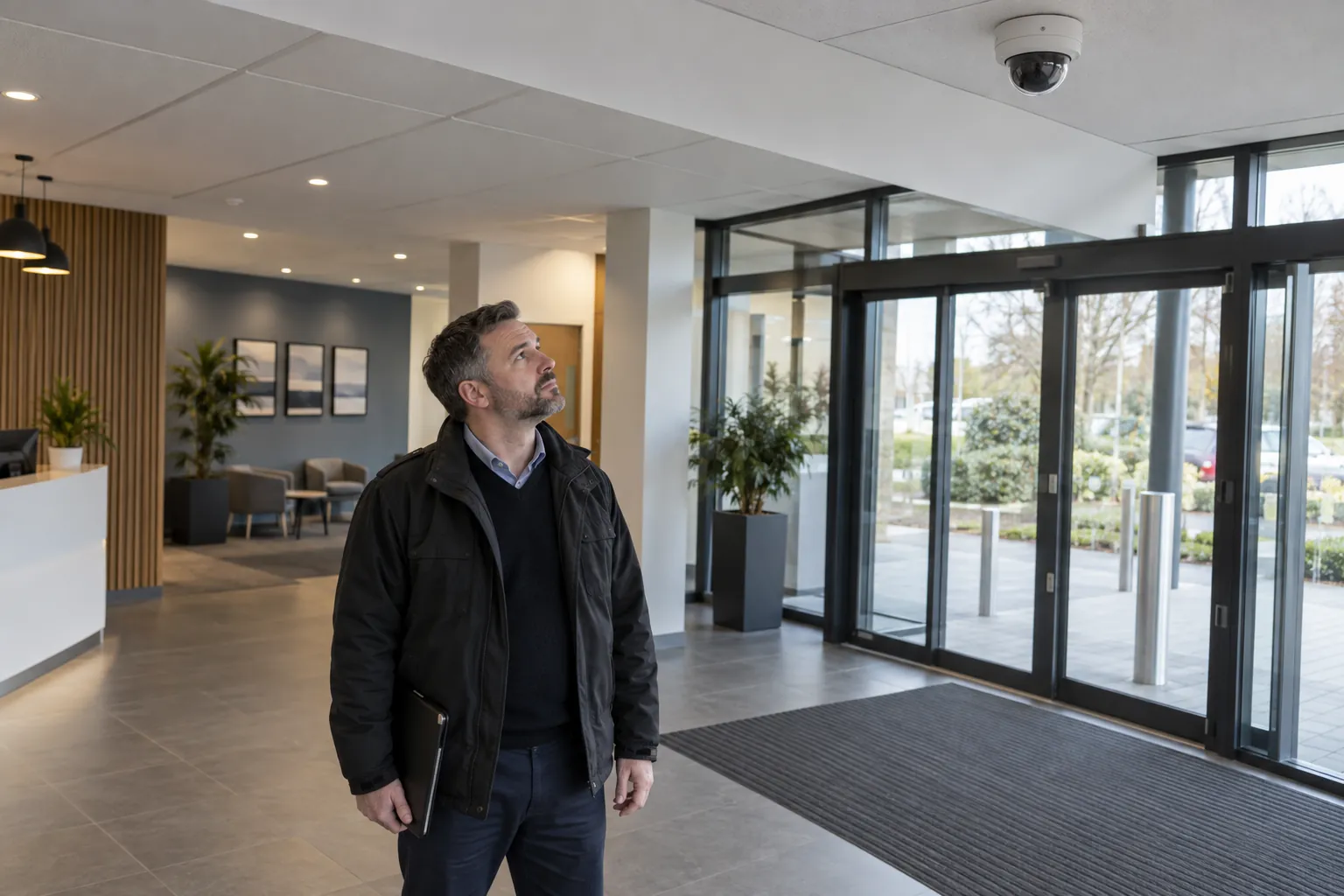
It should separate routine checks by an authorised operator from technical servicing by a competent maintainer. A live picture alone does not prove that yesterday's recording exists, and a working recorder does not settle whether the surveillance is lawful.
01
Define the system's purpose and the operator's checks
Start with the documented purpose of each camera: for example, viewing the entrance or protecting a goods yard. Keep a camera list with its identifier, location, intended field of view and recorder or service. An operator can then check a known view instead of deciding that any picture on the monitor counts as a pass.
The ICO's video surveillance guidance explains the UK data protection framework for organisations using CCTV that processes personal data. It currently carries a notice that it is under review following the Data (Use and Access) Act. Check the latest guidance when reviewing the system's policy. This guide offers an operational checklist, not a finding that a particular CCTV installation complies with every legal requirement.
The ICO's checklist for limited CCTV systems includes a named responsible person, clear images, appropriate camera positions and visible signs. Put those points alongside the maintenance routine. If a camera is moved, do not treat it as a small adjustment without checking what it now captures and whether the new view remains appropriate.
Write down who may view live video, retrieve footage, change settings and call the maintainer. A security officer may be authorised to record a blank image but not to reboot network equipment, open a housing or alter privacy masks. The scope prevents an everyday check turning into an unplanned change to the system.
02
A practical CCTV camera maintenance checklist
The following list is for authorised routine checks at commercial premises. Adapt it to the equipment and the site's purpose. Where a check would expose personal data, use the controlled viewing arrangements and minimise what is copied into an ordinary maintenance record.
- Identify the camera. Match the camera number and displayed name with the register. Verify that the expected view appears, rather than accepting a duplicated image from another camera.
- Check image quality. Look for loss of focus, glare, water spots, dirt, condensation, spider webs, a frozen image or a blank feed. Record whether the intended area can be seen adequately under the conditions checked.
- Check the field of view. Look for new obstructions, shifted cameras, vegetation, stored materials or a changed layout. Report a problem without climbing, trimming plants or changing camera alignment outside the agreed method.
- Check recording. Confirm the recorder or approved service shows the expected cameras and recording state. A live feed and a recording indicator are useful checks, but include a controlled playback test too.
- Check date and time. Compare the system clock with an agreed accurate reference, recording any discrepancy and whether daylight-saving settings are correct. Have an authorised person investigate any adjustment needed.
- Check playback and retrieval. Retrieve a recent sample from the intended camera and time through the approved process. Verify image quality and time information. Test export only when authorised and handle the test copy securely.
- Check status and visible condition. Note storage warnings, recorder alarms, loss of network connection and visible cable or housing damage from a safe position. Check that equipment rooms are secure and ventilation openings are not obstructed.
A CCTV maintenance checklist should record the result of each test, not just its name. 'Camera 03: live view checked, picture obscured by condensation' is useful. 'Cameras checked' cannot distinguish a clear view from a known failure. Separate all cameras checked from a sample of cameras checked.
03
Daily checks, periodic testing and technical servicing
Set frequencies from the system's purpose, manufacturer instructions, environment and any maintenance contract. The routine below is a suggested planning starting point for a staffed site, not a universal legal schedule or a substitute for a specified servicing standard. A small indoor system and an exposed yard installation will need different attention.
- At the start of the staffed shift: check expected live views, obvious recording warnings and the system clock; record any fault already known. This is a brief operating check rather than a technical inspection.
- Weekly: make a controlled playback check across the agreed camera sample or the complete system. Rotate any sample so cameras are not permanently omitted. Confirm that a reported fault has an owner and a follow-up date.
- Monthly: review visible camera condition and obstructions from safe positions, signs, authorised user access and the configured retention policy. Consider a check in low light where the purpose depends on night-time images.
- After a change or disruption: repeat the relevant checks after a power outage, building works, camera move, network change or approved firmware update. Do not assume successful restart means every camera and recording function has recovered.
- At the agreed service interval: have the competent maintainer inspect and service the system under the equipment instructions and contract. Keep their findings and remedial work with the maintenance records.
Cleaning lenses or domes is equipment-specific work. Follow the manufacturer's approved materials and method; a generic chemical or abrasive cloth can damage a surface. Set safe access arrangements before cleaning a high camera. For work in Great Britain, HSE's introduction to working at height explains that the work must be planned, supervised and done by competent people with suitable equipment.
Technical work may include power supplies, connectors, cabling, storage health, firmware and software, network security, motion detection or the recording schedule. Put that work in the maintainer's scope. This guide does not tell a routine operator to disconnect a camera, format a drive, open electrical equipment or replace parts.
04
Check retention, authorised access and usable retrieval
A recorder's capacity is not the retention policy. The ICO's guidance on the data protection principles for surveillance explains that UK GDPR and the Data Protection Act 2018 do not specify a general minimum or maximum CCTV retention period. Decide the necessary period from the purpose, document it, and check that the system follows it. Do not present 30 or 31 days as a rule for every installation.
Check that the authorised person can retrieve the right footage before normal deletion, and that routine deletion works as intended. Where information needs preserving for a specific incident or request, follow the organisation's controlled procedure. Do not make an informal copy on a personal phone or keep footage indefinitely in an everyday fault log.
The same ICO guidance calls for restricted access to surveillance information and secure viewing arrangements. Keep live monitors out of public view where they show areas not already in plain sight. Review who can log in, export video or use remote access, including accounts for former staff or contractors. Record that the access review took place without publishing passwords or sensitive network details in the checklist.
Security updates and system changes belong to an authorised plan. Ask the responsible maintainer or IT contact which manufacturer updates need applying and how recording will be checked afterwards. A regular check can identify an overdue decision; it does not justify installing unknown software or changing security controls during a patrol.
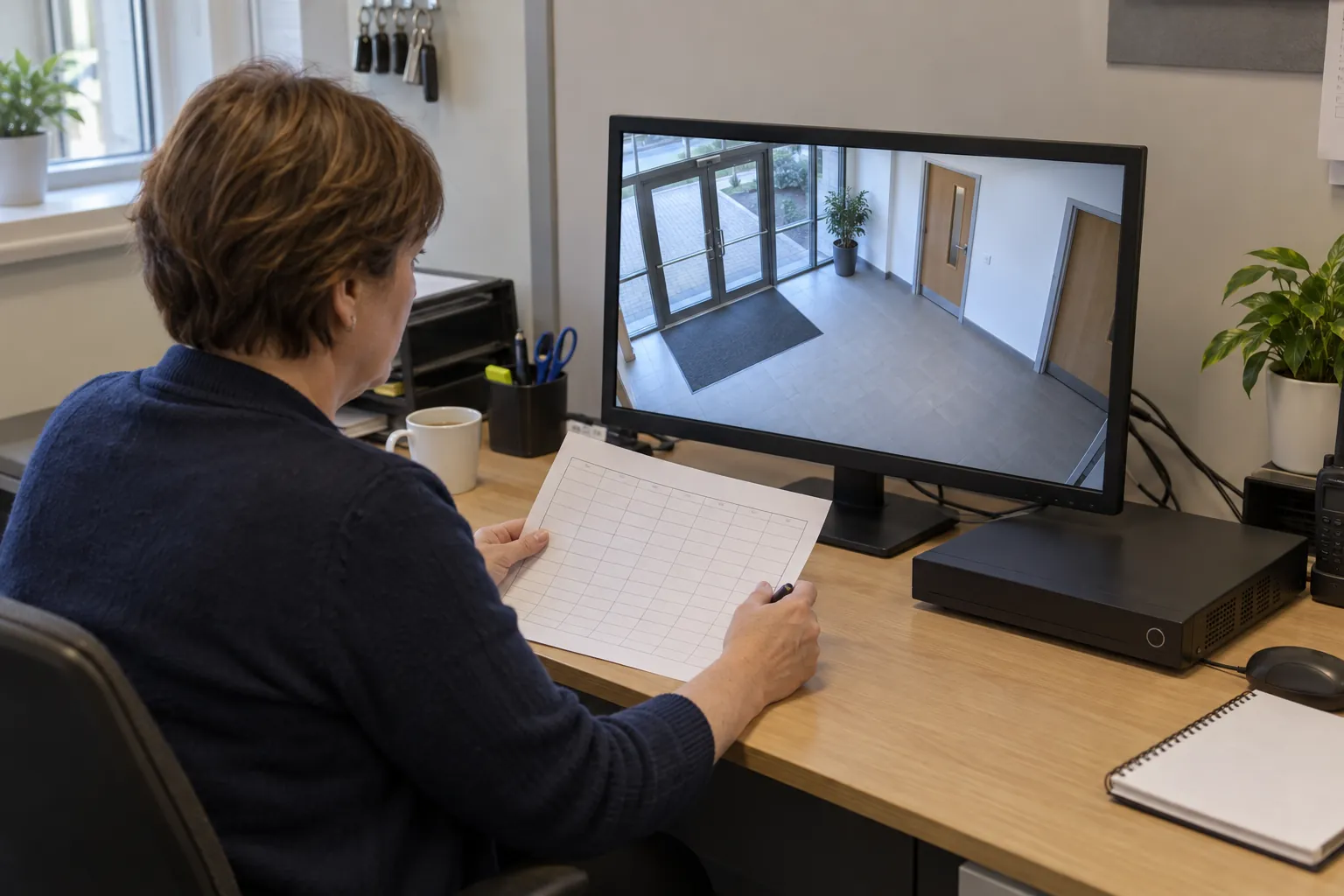
Keep the operational check concise. A row saying 'retention setting matches approved policy, reviewed by authorised administrator' is more appropriate than copying private footage to demonstrate that a menu was opened. The responsible organisation must still maintain the policies and safeguards behind that row.
05
CCTV maintenance report template and a worked fault
Use a report with the site, system identifier, check date and actual time, checker, camera identifiers, tests performed, results and limitations. Then add the fault, its effect on the intended coverage, the person notified, any approved temporary measure, the service reference and the date of the next update. A separate recheck records whether the repair restored the required view and recording.
That entry does not guess the cause or claim the site has complete coverage. It says what was observed, which function was checked and what remains unresolved. If the checker could not access playback, record 'playback not checked, authorised administrator required', rather than using a pass mark from the live picture.
Assign urgency against the site's purpose and risk. A missing entrance view may require an immediate management decision; a minor housing defect may follow a planned repair route. The checklist should name the contact and the escalation process, with emergency arrangements elsewhere in the site's security procedures.
Close a fault when the relevant result has been checked, rather than when someone says an engineer visited. Keep the technical service report linked to the fault. Where a fault affects recording, ask for evidence of the recording test; a clean camera lens will not explain a storage failure.
06
Where CCTV check records fail
A reassuring daily tick can hide a system nobody tried to play back. A camera fault can also be repeatedly mentioned in the security handover without reaching the person responsible for the repair. A useful record makes the gap visible and preserves the next action rather than turning the whole system green.
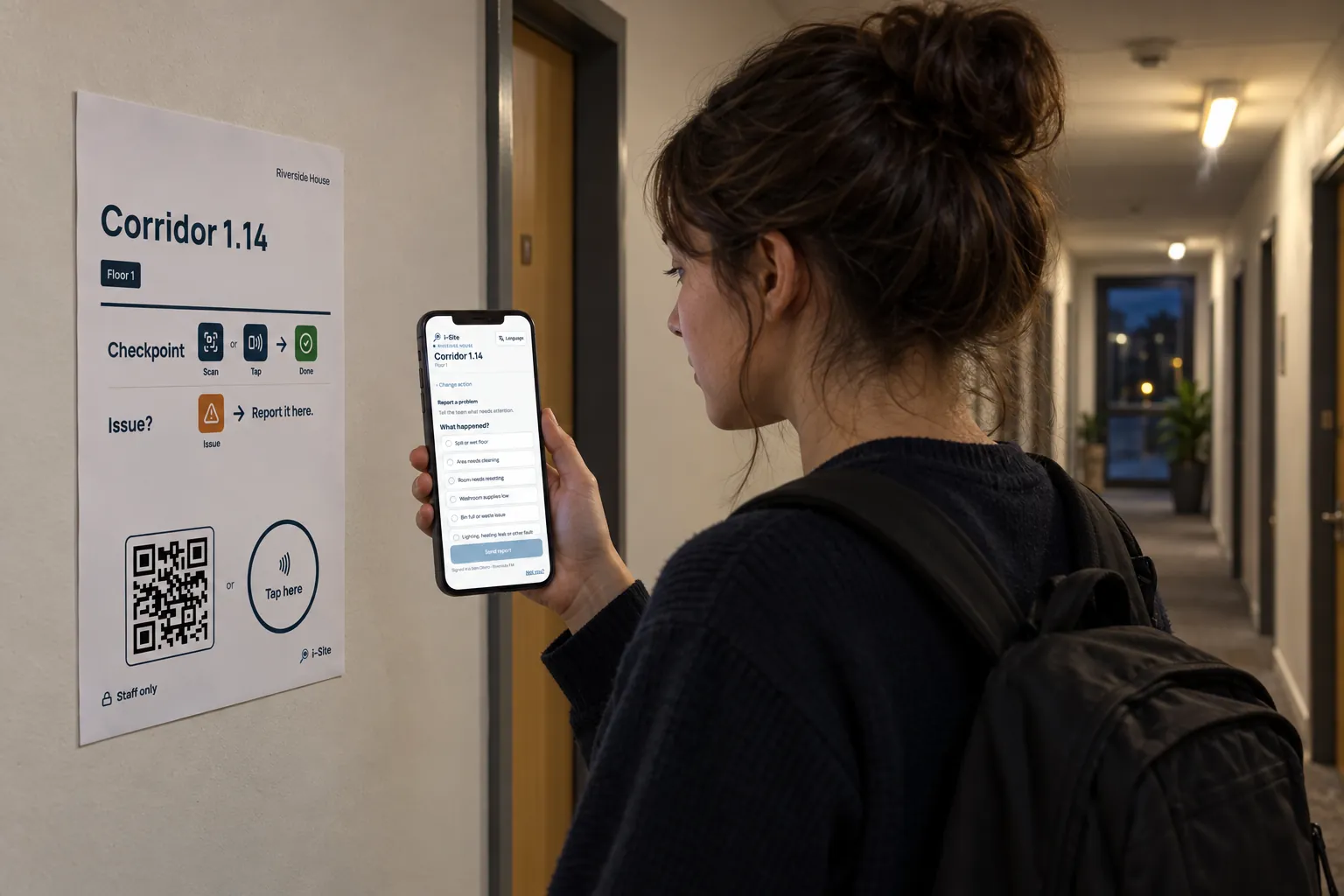
SiteClara can support a routine at configured locations: enrolled staff scan a QR code or tap an NFC tag, answer the task checklist and record work. A reported issue can carry a note and optional photos and remain in the task queue until it is closed. Scheduled checks can record an unable result with a reason, and a supervisor reviews the daily report before approval.
A location such as the security desk can therefore hold the site's chosen operator-check questions and a route for reporting a visible fault. Keep the CCTV's technical maintenance report, footage, passwords and system settings in the appropriate controlled systems. A photograph for a fault should show only the necessary equipment condition and avoid identifiable footage on a monitor.
07
Official guidance and the checks to take away
Read the ICO checklist for limited CCTV systems alongside the fuller ICO guidance on surveillance and the data protection principles. Use the equipment manufacturer's instructions and the maintainer's agreed scope for the technical system.
- Keep a camera register with the intended view.
- Check recording as well as the live picture.
- Record the system time and any discrepancy.
- Use authorised playback and secure retrieval tests.
- Check retention against the documented purpose and policy.
- Keep routine operator work separate from technical servicing.
- Give every fault a responsible contact and a meaningful recheck.
The useful outcome is a system with known performance and known limitations. A maintenance checklist should help the responsible person act on those limitations before footage is needed, while leaving the technical and data protection decisions with the people authorised to make them.
Sources
Every document this guide quotes or links to, in the order it first cites them.
- ICO's video surveillance guidance ico.org.uk
- Checklist for limited CCTV systems ico.org.uk
- HSE's introduction to working at height hse.gov.uk
- ICO's guidance on the data protection principles for surveillance ico.org.uk
Related guides
 Security patrolsSite security checklist: what to check, how often, and how to show it was doneSite security checklist for UK construction sites and business premises: perimeter, access, lighting, CCTV, alarms, keys, and how to record the checks.
 Security patrolsSecurity officer report: what to write, and how to make it stand upThe reports a UK security officer writes on shift – incident, patrol, handover – what each should record, and how to write one that stands up later.
 Premises and facilities managementFault reporting system: how faults are reported, prioritised and closedHow a fault reporting system for a building should work: how occupants report faults, how facilities teams log and prioritise them, and how a fault is closed.
 Premises and facilities managementBuilding maintenance checklist: what to check, how often, and who byA building maintenance checklist for UK non-domestic buildings: daily to annual tasks for fabric, services, safety systems and grounds, and who does each.