Premises and facilities management
CAFM system: what it does, and how to choose and implement one
A CAFM system, short for computer-aided facilities management, is software that holds a building's assets, planned and reactive maintenance, helpdesk requests, space and compliance records in one place, so a facilities team can raise, schedule and track the work and show it was done.

This guide explains what one does, how it differs from the tools around it, how to choose and implement one, and where it still needs help from the people on the ground.
01
What a CAFM system is
CAFM stands for computer-aided facilities management, often written computer aided facility management. A CAFM system is facility management software that holds the information a facility manager needs about buildings, assets, maintenance and space, and the processes that act on it: taking requests, raising work orders, scheduling planned maintenance and reporting on what was done. Most modern CAFM software is sold as a hosted service with a web interface and a mobile app for engineers.
No law requires a CAFM system. What the law does require is that a workplace, and the equipment, devices and systems in it, are maintained. The Workplace (Health, Safety and Welfare) Regulations 1992 require them to be kept in an efficient state, in efficient working order and in good repair, and, where appropriate, to be subject to a suitable system of maintenance. Other regulations add specific inspections and examinations for fire safety, electrical installations, lifts, pressure systems and water. A CAFM system is one common way of running that system of maintenance and showing that it works.
The standards that sit behind good facilities management are also worth knowing. BS EN ISO 41001 sets out requirements for a facility management system, and BS 8210 is the British code of practice for facility maintenance management. Neither requires a particular facility management solution, but both assume you can say what you have, what it needs and what was done to it, which is the job a CAFM solution is built for. The benefits of CAFM, when it is used well, are practical ones: fewer missed tasks, one record of every job, and reports that let the management team see how the estate is performing.
02
What a CAFM system covers
Products differ, but most CAFM platforms are built around the same core facilities management functions, and the features of CAFM products are more alike than their marketing suggests. A typical system offers modules for:
- Asset management: an asset register of plant, equipment and building elements, with location, age, condition, warranty and maintenance history.
- Planned maintenance: schedules for preventive maintenance, often written preventative maintenance, on each asset, so the system can schedule maintenance and track maintenance activities, often built from a specification library such as SFG20, with frequencies, task instructions and who does the work.
- Helpdesk and reactive maintenance: a single point where requests arrive by phone, email or a portal, are logged, prioritised and turned into jobs.
- Work order management: raising, assigning, tracking and closing work orders for in-house engineers or contractors, with response and completion times against the service level agreement.
- Contractor management: approved contractors, their insurance and accreditations, permits to work and their performance.
- Space management: floor plans, occupancy, room bookings and move management when teams change floors or buildings.
- Compliance: statutory inspections and their due dates, certificates and reports attached to the asset or building they belong to.
- Reporting: dashboards and reports on work completed, overdue tasks, costs and performance for the management team or the client.
Some CAFM systems also cover project management, lease management, estate and real estate management, energy, and links to the building management systems (BMS) that control heating, ventilation and lighting. How much of this a particular organisation uses varies a great deal; many use three or four modules well and ignore the rest.
03
CAFM, CMMS and IWMS: the differences
The labels overlap, and vendors use them loosely. The question of CAFM and CMMS in particular causes confusion. As a rough guide:
- A CMMS (computerised maintenance management system) is focused on maintenance management: assets, planned and reactive maintenance, work orders, spares and engineers. It grew up in plants and factories where the equipment is the business.
- A CAFM system covers maintenance too, but from the building's point of view, adding the helpdesk, space, compliance and services such as cleaning and security. It suits facility operations across an estate of offices, schools, hospitals or shops.
- An IWMS (integrated workplace management system) is broader again, bringing CAFM together with real estate, leases, capital projects, sustainability and workplace planning in one system for a large portfolio.
In practice, the choice between management solutions is less about the label than about what your facilities management teams actually need to do each week. A single school or office rarely needs an IWMS; a national estate with hundreds of buildings rarely manages with a spreadsheet.
A CAFM system is also different from the building management system, although modern CAFM systems integrate with one. The BMS controls plant in real time; the CAFM system records what the plant is, what it needs and what was done to it. The two can be integrated, so that a BMS alarm raises a job automatically, but they do different jobs.
04
How to choose a CAFM system
Choosing CAFM software well, like choosing any software solution, starts with your own facilities management processes, not a feature list. Before looking at products, write down how requests reach you today, who does the work, what you must report and to whom, and which statutory tasks you must evidence. Then test each system against that.
- Start with the jobs, not the modules. List the five or six management processes the system must support from day one, usually the helpdesk, work orders, planned maintenance and compliance, and judge each product on those.
- Look at the asset data it needs. A system is only as good as its asset register. Ask how data is imported, how assets are coded and located, and how the register is kept current when things are replaced.
- Check the mobile side. Engineers and contractors must be able to receive, update and close work orders on site, with photos, even with a poor signal in a plant room or basement.
- Ask about integration. Finance and accounting software, the BMS, the specification library, identity and single sign-on, and whether data can be exported in a usable form if you ever leave.
- Understand the cost. Pricing is commonly per user, per asset or per building, with separate charges for implementation, data migration, training and extra modules. Ask for the whole-life cost over the contract term, not the first-year licence.
- Check who will run it. Someone has to own the configuration, the data and the reports. If that is nobody's job, the system will drift out of date within a year.
- See it with your own data. A demonstration on a tidy sample building proves little, and the best CAFM for one organisation can be the wrong one for the next. Ask to see one of your buildings and a real week of requests.
If your maintenance is delivered by a contractor, check whether they will work in your system or insist on their own. Many FM providers run their own CAFM software and report to the client from it, which is workable if the client can see the data and keeps a copy of it.

05
Implementing a CAFM system, and why some fail
Most CAFM implementations that disappoint do so for reasons that have little to do with the software. The common causes are an incomplete asset register, planned maintenance schedules copied from an old spreadsheet without review, a helpdesk that people bypass by phoning the engineer they know, and nobody responsible for keeping the data current.
A sensible implementation usually runs in stages:
- Survey and data. Build or verify the asset register by walking the buildings, not only by importing old lists. Record location, type, condition and the statutory status of each asset.
- Schedules. Attach maintenance schedules to assets, separating statutory tasks from discretionary ones, and set frequencies from the specification and the manufacturer's instructions.
- Processes. Agree priorities, response times, who approves work and how jobs are closed, and write them into the system rather than around it.
- People. Train engineers, helpdesk staff and contractors, and make the new route the only route for requests.
- Review. After three to six months, check what the reports show against what is happening in the buildings, and fix the data where the two disagree.
The best practices are unglamorous: use CAFM software for every request, close every job in it, and review the data monthly.
Implementation takes longer than most sales timetables suggest, and the first reports will show gaps. That is the system doing its job: the gaps were there before, they were simply invisible.
06
Where the record fails, and where SiteClara sits beside a CAFM
A CAFM system is very good at the work it is told about: the engineer's job, the contractor's visit, the certificate that is due. It is weaker at the routine work done by cleaning, security and premises teams, and at the faults they notice on the way. The cleaner who sees a leak, the security officer who finds a fire door wedged open, the caretaker who checks the toilets at lunchtime: most of that never reaches the helpdesk, or reaches it as a vague email with no location. Using CAFM well depends on those reports arriving at all.
SiteClara is not a CAFM system. It sits beside one for those teams. A printed QR poster at each location, with an NFC tag behind it if you want staff to tap, lets staff scan or tap on their own phone, with no app to install, to complete the scheduled checks due there or explain what stopped them. They can record a job or report an issue with a photo, and it goes onto the team's list of jobs until someone closes it. The supervisor sees what was due, done and missed, and can escalate a job to the building manager, who can answer it and raise it in the CAFM helpdesk where an engineer is needed.
Each day the supervisor reviews and approves a report that goes to nominated management or client contacts at 8am the next morning, showing what was reported, completed and still open, and how the scheduled checks went.
07
Further reading, and a list to take away
The Institute of Workplace and Facilities Management (IWFM) publishes guidance on facilities management practice and technology. The British Standards Institution publishes BS EN ISO 41001 on facility management systems and BS 8210 on facility maintenance management. The Health and Safety Executive's guidance on the Workplace Regulations (L24) and on the specific inspection regimes explains the maintenance duties a CAFM system is often used to evidence. SFG20, published by the Building Engineering Services Association, is the specification library many systems use for planned maintenance schedules.
Before you buy or replace CAFM software, check that:
- you can list the processes it must support on day one, and who owns each;
- your asset register has been verified on site, not only imported;
- statutory tasks are separated from discretionary ones in the schedules;
- engineers and contractors can use it on a phone, in a basement;
- you know the whole-life cost, including implementation and data migration;
- you can export your data if you leave;
- someone is named to keep the data and the reports current;
- the routine checks and faults found by cleaning, security and premises teams have a route in.
Sources
Every document this guide quotes or links to, in the order it first cites them.
- Workplace (Health, Safety and Welfare) Regulations 1992 legislation.gov.uk
- BS EN ISO 41001 knowledge.bsigroup.com
- BS 8210 knowledge.bsigroup.com
- Institute of Workplace and Facilities Management (IWFM) iwfm.org.uk
- SFG20 sfg20.co.uk
Related guides
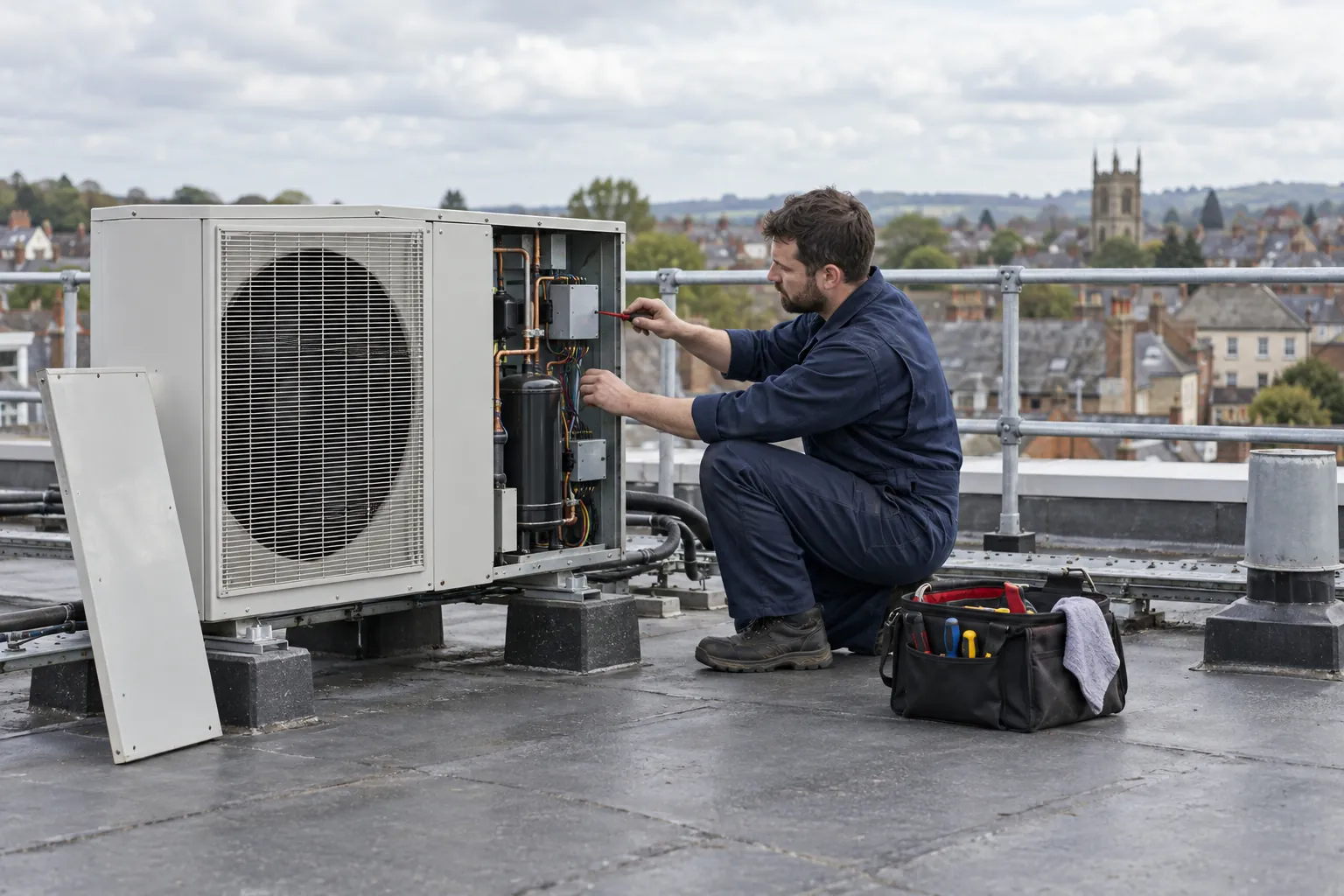 Premises and facilities managementPlanned preventative maintenance: how to plan it and prove it was donePlanned preventative maintenance (PPM): what it is, how to build an asset register and schedule, statutory versus discretionary tasks, and evidencing the work.
 Premises and facilities managementFacilities helpdesk: what it does, and how to run one wellWhat a facilities helpdesk does, how it logs, prioritises and closes jobs, the people and systems behind it, and how to tell whether it is working.
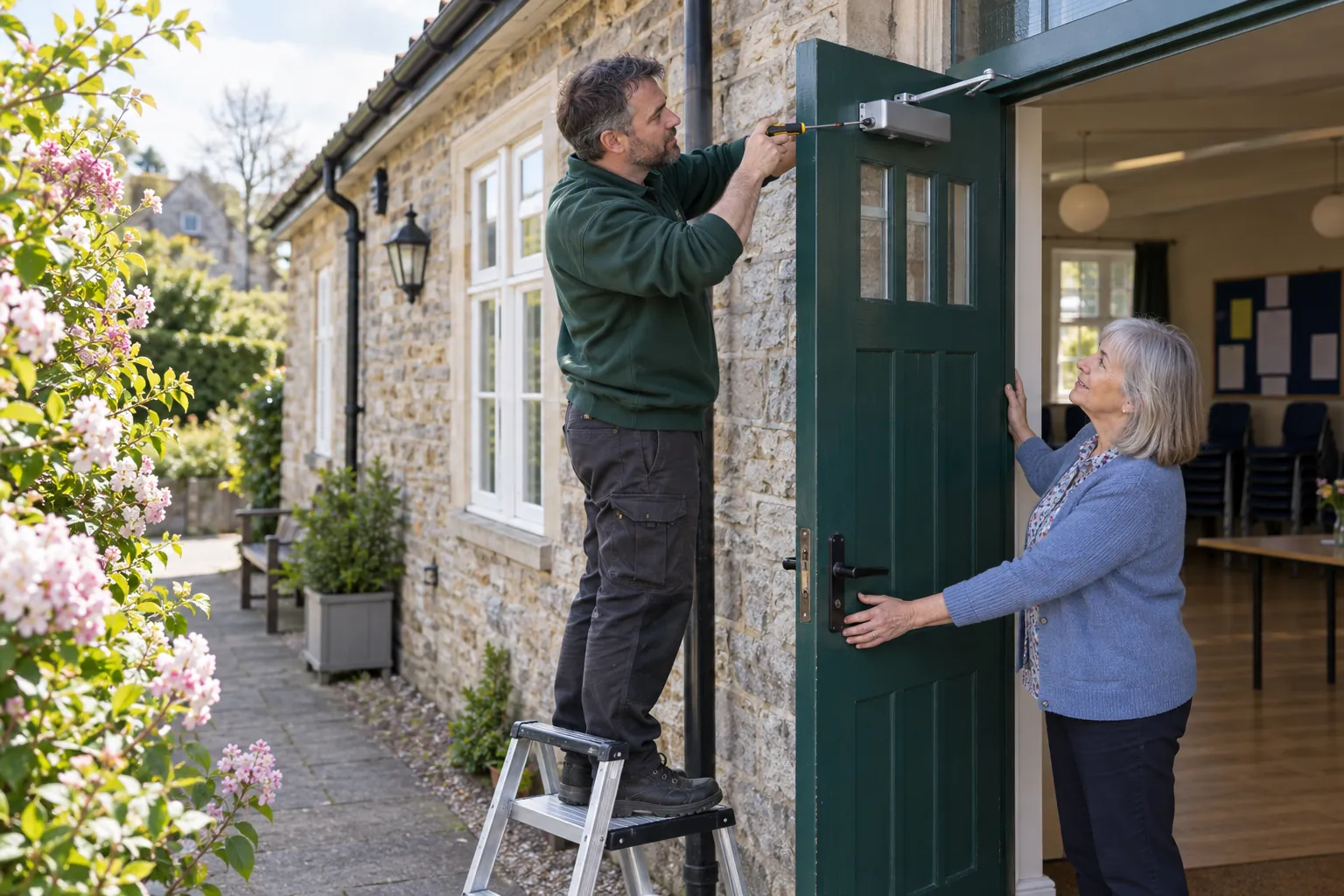 Premises and facilities managementReactive maintenance: how to run it well, and keep it in proportionHow to run reactive maintenance in a UK building: priorities and response times, the balance with planned work, costs, contractors and closing the loop.
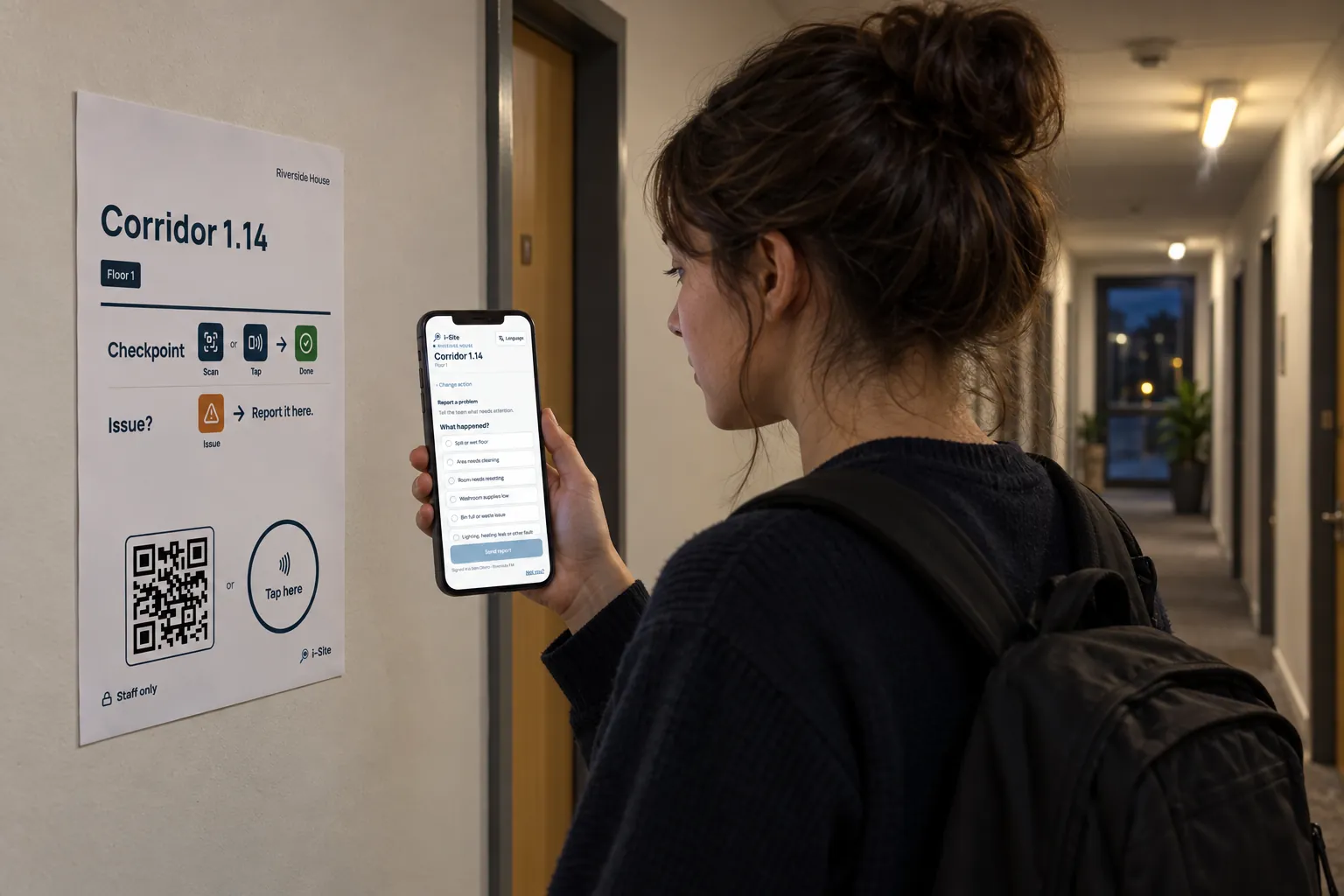 Premises and facilities managementFault reporting system: how faults are reported, prioritised and closedHow a fault reporting system for a building should work: how occupants report faults, how facilities teams log and prioritise them, and how a fault is closed.