Premises and facilities management
Facilities helpdesk: what it does, and how to run one well
A facilities helpdesk is the single point of contact where the people in a building report faults, request services such as cleaning, security or a room move, and raise queries, and where the facilities team logs each one as a job and tracks it until it is done.
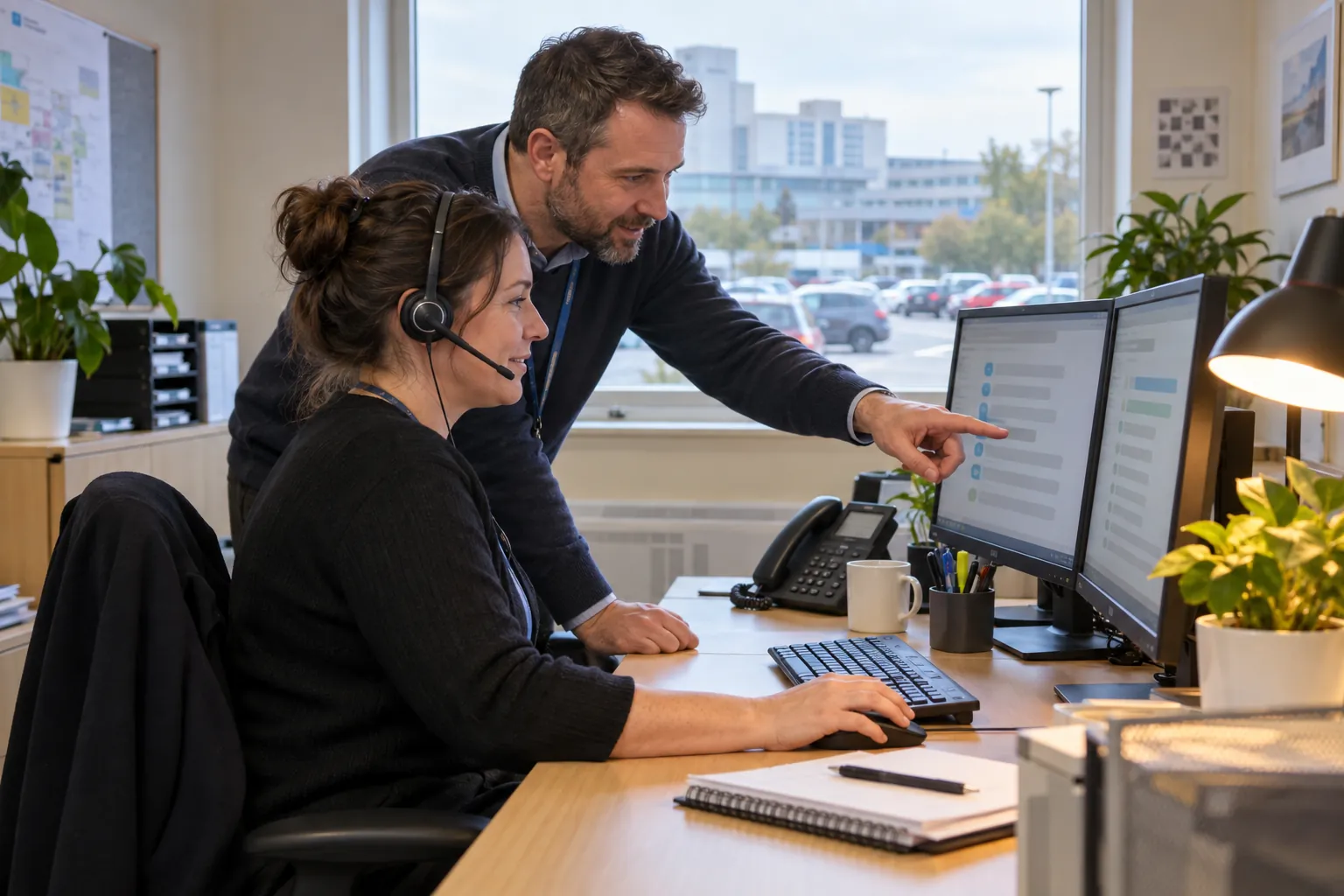
It is where a building's problems arrive: the broken heating, the leaking roof, the room that needs moving, the lift that has stopped. Run well, it is behind the smooth running of a building, turning a complaint into a job and a job into a fix. Run badly, it is a phone number people have learned not to call. This guide covers what a facilities helpdesk does, how it logs and prioritises work, and how to tell whether it is working.
01
What a facilities helpdesk is
A facilities helpdesk, sometimes called an estates and facilities helpdesk or an FM helpdesk, is the single point of contact for facilities: everything to do with the buildings an organisation occupies and the services in them. Occupants use it to report a fault, request a service or raise a query; the facilities management team uses it to log jobs, send them to the right engineer, cleaner, security officer or contractor, and track them until they are done.
It is not the same as an IT help desk, although many organisations run the two side by side with similar systems. A facilities helpdesk deals with the building: heating and air conditioning, plumbing, lighting and electrics, doors and locks, lifts, cleaning, security, waste, pest control, room moves and furniture, and the health and safety and compliance issues that come with them.
No law requires a helpdesk, but the duties it supports are real. Under the Workplace (Health, Safety and Welfare) Regulations 1992, the workplace and its equipment, devices and systems must be maintained in an efficient state, in efficient working order and in good repair. A helpdesk is how most organisations show that building maintenance keeps up with faults, and that they are found, recorded and fixed. Large public estates, such as universities and parts of the NHS, run facilities helpdesks for exactly this reason. For facilities management practice more widely, BS EN ISO 41001 sets out requirements for a facility management system, and the Institute of Workplace and Facilities Management (IWFM) publishes guidance for the profession.
02
What a facilities helpdesk handles
The work arriving at a facilities management helpdesk usually falls into a few kinds:
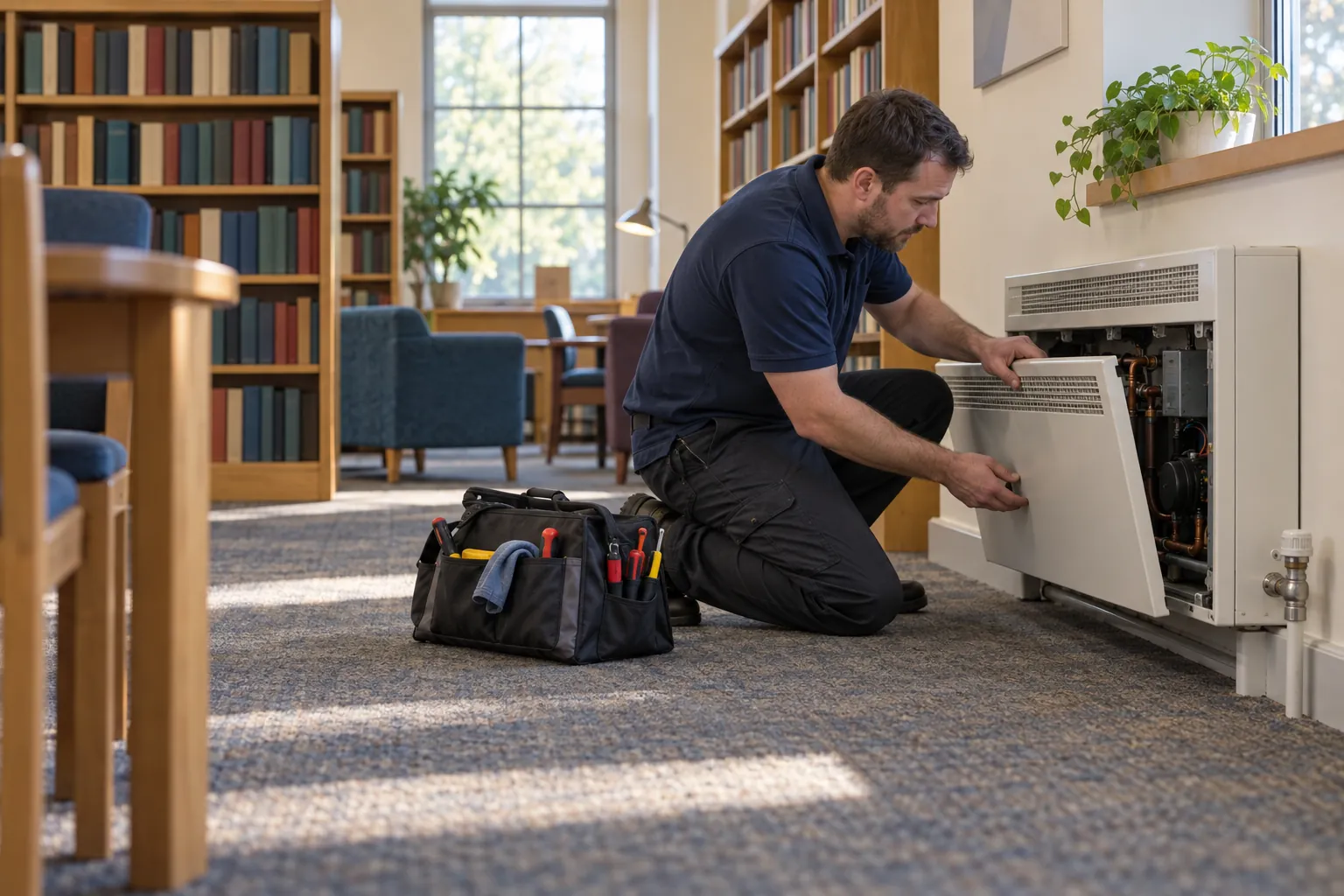
- Reactive faults: something has broken or stopped working, from a light out in a corridor to a power outage across a floor.
- Service requests: things people want done that are not faults, such as moving furniture, setting up a room, extra cleaning after an event, a replacement key.
- Emergencies: anything that is an immediate risk to people or the building, such as a flood, a gas smell, a person trapped in a lift or a building that cannot be secured, which needs an immediate response rather than a place in the queue.
- Planned maintenance: jobs generated by the maintenance schedule rather than by a phone call, which the helpdesk often schedules and tracks alongside the reactive work.
- Queries and complaints: "when will my heating be fixed", "the toilets on the third floor are dirty again", "who do I ask about parking".
- Contractor coordination: booking subcontractors, arranging access and permits, and chasing completion.
Many helpdesks also give administrative support to the day-to-day operational side of facilities services: raising purchase orders for contractors, checking an invoice against the job it relates to, and recording certificates for statutory compliance work. In an outsourced contract, the FM provider's helpdesk often does all of this and reports to the client against the contract.
03
How a job moves through the helpdesk
Whatever the size of the helpdesk, the flow of a job is the same:
- Report: the occupant reports a fault by phone, email, a web portal or another route, with enough detail to act on: where, what, and how bad.
- Log: the helpdesk records it with a reference, the location, the category and the time, and tells the person reporting it that it has been logged.
- Prioritise: the helpdesk sets a priority against the contract's definitions, for example emergency, urgent, routine or non-urgent, each with its own attendance and completion times.
- Assign: the job goes to a named engineer, team or contractor, usually as a work order in the helpdesk system.
- Track: the helpdesk follows the job, chases it if it is running late against its SLA, and records updates, parts on order, access problems and return visits.
- Close: the job is closed when the fault is fixed, with what was done and by whom, and the person who reported it is told.
- Review: completed jobs feed the management information that shows whether the service is working.
In most organisations of any size the helpdesk system is a CAFM system (computer-aided facilities management) or a CMMS (computerised maintenance management system). These tools record the asset and its history, generate planned and reactive work orders, send jobs to engineers' phones, track service level agreements, and produce the reports a client or an estates director expects. For a helpdesk managing engineers, contractors and planned maintenance across an estate, a proper CAFM system is the right tool.
04
The people, the hours and the SLAs
A helpdesk is only as good as the people answering it. Typical roles in the helpdesk team include a helpdesk administrator or helpdesk coordinator, who takes calls, logs jobs and chases them, and a helpdesk manager, who owns the process, the reporting and the relationship with the client or the estates team. Good helpdesk staff know each building and facility they look after, and the on-site teams in it, understand enough about the services to ask the right questions, and are trusted to decide priorities.
Buildings do not stop at 5pm. Out-of-hours support is usually covered by an on-call rota, a transferred phone line to a security control room, or an outsourced service answering 24 hours a day, 365 days a year. Whoever answers out of hours needs a clear list of what counts as an emergency and who to call for each.
Service level agreements set the response and completion times for each priority. They matter, but they measure what they measure. A helpdesk can meet every response SLA while jobs sit open for weeks waiting for a part, or close jobs on attendance rather than on the fix. The useful SLAs are few, separate response from completion, and are reviewed against what occupants actually experience.
Can you give me an example of a facilities helpdesk?
Two organisations that publish how theirs works are the University of York and NHS Property Services. York's Facilities Helpdesk page asks people to log a fault or a job through its Helpdesk Portal, quoting a building code, and sets four priorities by first response: Emergency, under 2 hours; Urgent, under 24 hours; Essential, under 5 working days; and Non-essential, which goes into the long-term maintenance programme. Outside its work hours, emergencies go to the university's security emergency line.
NHS Property Services describes its facilities management helpdesk as a Customer Service Centre offering help 24 hours a day, 365 days a year, with urgent jobs taken by phone and non-urgent jobs, queries and complaints logged through an online portal.
05
How to tell whether a facilities helpdesk is working
Good management information from a facilities helpdesk answers a few plain questions:
- How many jobs were logged, by building and facility, category and priority, and how that compares with last month.
- How many were completed within the SLA, for response and for completion separately.
- What is still open, and for how long, with the reasons for the oldest.
- Repeat jobs: the same fault reported again, or the same asset failing repeatedly.
- Where the jobs came from: occupants, staff on routine checks, planned maintenance, and how many were found by a proactive FM team before anyone complained.
- What occupants think: a short satisfaction question when a job is closed tells you more than any SLA figure.
Two signs that a helpdesk is not working are hard to see in its own reports. The first is faults that never reach it: people give up, or tell the cleaner, or fix it themselves. The second is jobs closed without the fault being fixed. Walk the building and ask people; compare what you find with what the helpdesk says is open.
06
Where the record fails, and what SiteClara does about it
The gap is usually at the front of the process. The helpdesk works well for the reports it receives, but the people who see the most faults, the cleaning and security teams on their rounds, often have no quick way to report them with a location and a photo. Reports arrive late, by word of mouth or with too little detail, and the helpdesk spends its time asking where the fault is.
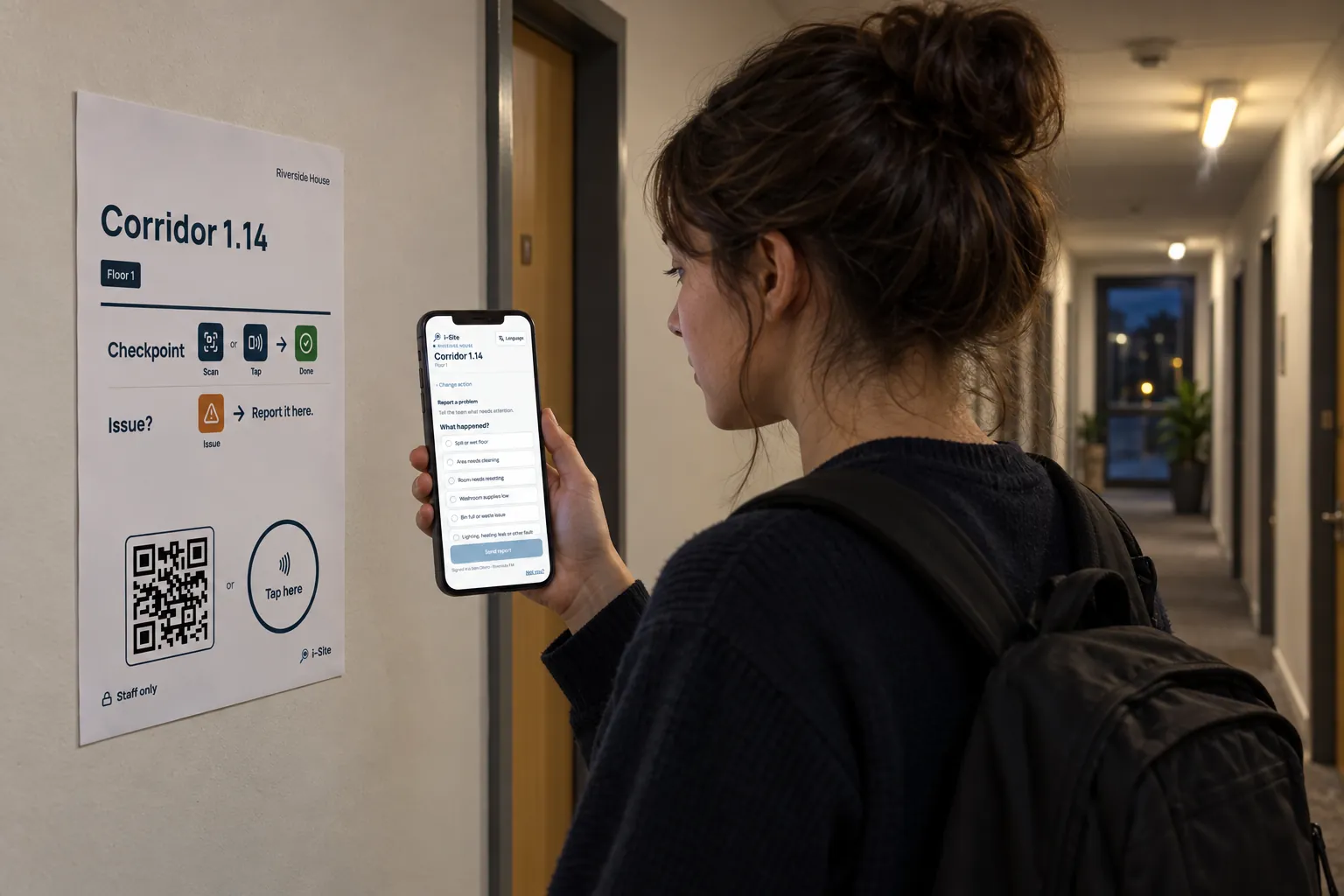
SiteClara works on the ground, not as a helpdesk. A printed QR poster, with an NFC tag behind it if you prefer staff to tap, sits at each location. Cleaning, security and premises staff scan or tap with their own phone, with no app to install, and report an issue with a photo; it arrives knowing the building and the location, and goes onto the team's list of jobs until someone closes it. On sites led by the building owner, occupants and visitors can also report a fault at a tag.
The supervisor's queue groups open jobs by building and floor, and a supervisor can escalate a job to the building manager, who can answer it, and who can pass it to the helpdesk where an engineer is needed. Each day the supervisor approves a report that goes to nominated management or client contacts at 8am the next morning, showing what was reported, what was completed and what is still open.
07
Further reading, and a list to take away
The Institute of Workplace and Facilities Management (IWFM) publishes guidance and good practice on facilities management and service delivery. BS EN ISO 41001 sets out the requirements for a facility management system. The Health and Safety Executive publishes the Approved Code of Practice Workplace health, safety and welfare (L24), which explains the maintenance duty the helpdesk supports.
To review your facilities helpdesk, check that:
- occupants know how to report a fault, and every route ends in the helpdesk's record;
- staff who walk the building every day can report what they see, quickly, with a location;
- priorities are defined in writing, with a clear list of emergencies for out-of-hours staff;
- SLAs separate response from completion;
- jobs are closed on the fix, and the person who reported the fault is told;
- open jobs are reviewed by age every week;
- management information shows where faults came from, not only how fast they were closed.
Sources
Every document this guide quotes or links to, in the order it first cites them.
- Workplace (Health, Safety and Welfare) Regulations 1992 legislation.gov.uk
- BS EN ISO 41001 knowledge.bsigroup.com
- Institute of Workplace and Facilities Management (IWFM) iwfm.org.uk
- Facilities Helpdesk york.ac.uk
- Facilities management helpdesk property.nhs.uk
- Workplace health, safety and welfare hse.gov.uk
Related guides
 Premises and facilities managementFault reporting system: how faults are reported, prioritised and closedHow a fault reporting system for a building should work: how occupants report faults, how facilities teams log and prioritise them, and how a fault is closed.
 Premises and facilities managementFacilities management monthly report: what to include, and what makes it believableWhat an FM monthly report should contain: compliance, planned and reactive maintenance, KPIs, health and safety, costs, and the evidence behind them.
 Premises and facilities managementBuilding manager responsibilities: the duties, the daily work and the recordWhat a building manager is responsible for in UK commercial and residential buildings: legal duties, daily work, contractors and the records that prove it.
 CleaningCleaning service level agreement: what to include, and how to show it is metWhat a cleaning SLA should contain, how to set service levels and response times, service credits and escalation, and how to show the service was delivered.