Security patrols
Security camera checks: a CCTV maintenance checklist that finds the dead camera first
A CCTV maintenance checklist is a routine, recorded check that every security camera is online, clean, aimed at the right view and recording, that the DVR or NVR is keeping footage for the full retention period with the correct time stamp, and that every fault found is reported and fixed.
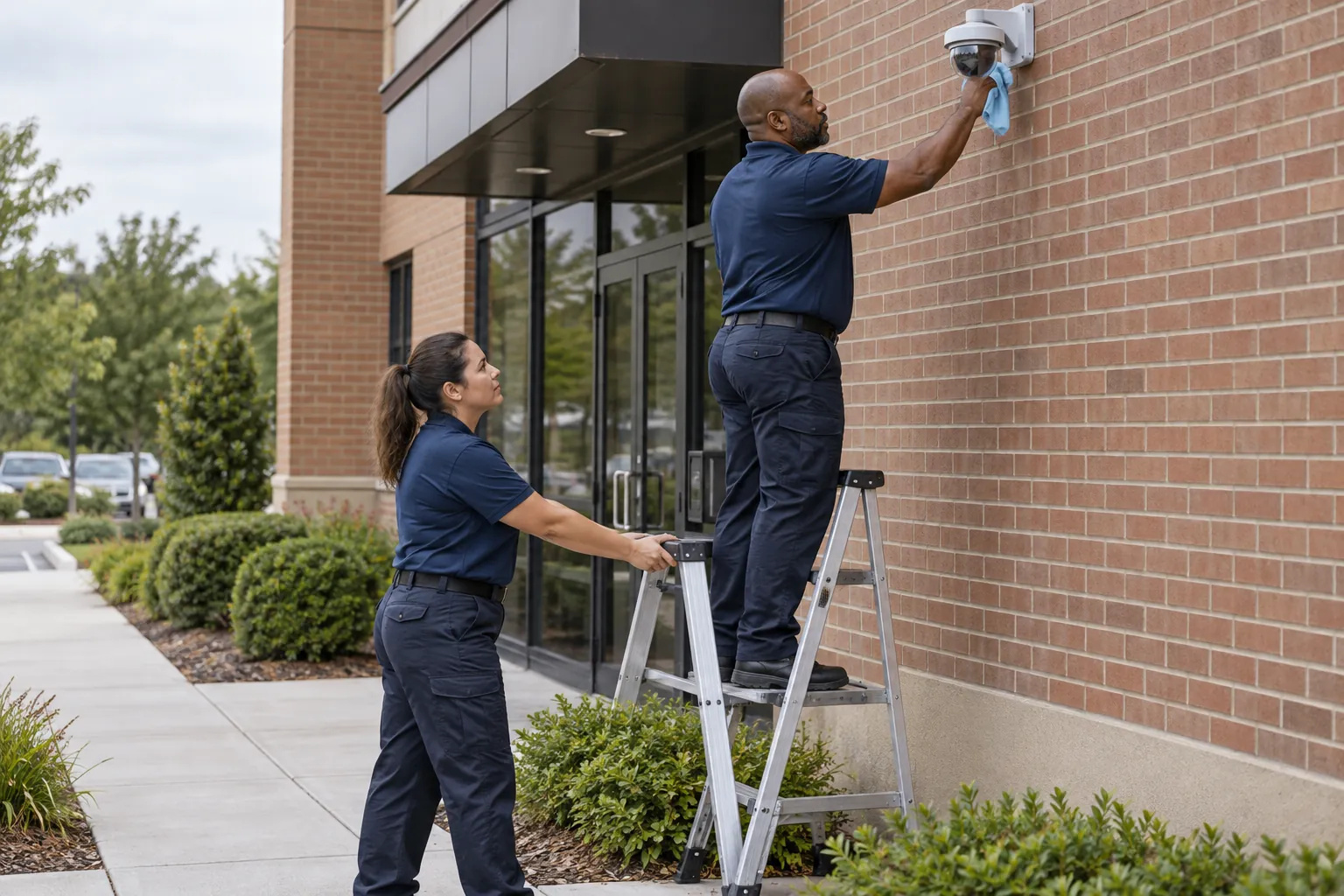
A security camera system is only worth what it recorded on the night something happened. The camera that went dark in March, the dome fogged over by summer humidity, the recorder whose drive filled up and quietly stopped saving, the clock that drifted forty minutes: each is found by a routine check or by an investigator after the fact. This guide covers what US rules say about keeping cameras working, what a CCTV maintenance checklist should cover, how often to check, who owns each fix, the privacy and audio limits to check at the same time, and how to keep a record that shows the checks happened.
01
What the rules say about maintaining security cameras
No federal law requires an ordinary US office, school, warehouse or apartment building to have security cameras, and none sets a schedule for maintaining them. The duty to keep cameras working usually comes from somewhere closer to home: the security plan, the post orders, the contract between the property and its security or integration company, a lease, or an insurer's conditions. Where a regulator does speak, it tends to ask for a program rather than a checklist.
Banking is the clearest example. The FDIC's security rule, 12 CFR 326.3 (Security program), says a covered institution's security program shall establish procedures that help identify people who commit crimes against it and preserve evidence, and lists among them "maintaining a camera that records activity in the banking office." The same section says the program shall "provide for selecting, testing, operating and maintaining appropriate security devices." The wording is worth borrowing even where it does not apply: a camera is a device that has to be tested and maintained, not installed and forgotten.
Federal security guidance says the same thing in planning terms. The Cybersecurity and Infrastructure Security Agency's Security Planning Workbook (September 2023) asks owners, as part of an as-is review, to "identify your electronic security systems, CCTV systems, intrusion detection / alarm systems," and to identify exterior lighting alongside them. CISA's K-12 School Security Guide, 3rd Edition is blunter about what a camera depends on. Its summary tables list staff to monitor the feed and regular maintenance as dependencies, note that "cameras are costly to operate & maintain," and say CCTV contributes to detection "provided that someone on campus consistently monitors camera video feeds in real time."
Nobody will fine most buildings for a dirty lens. But after an incident, the first question from the police, the insurer or a lawyer is whether the camera was working, and the only good answer is a record made before the incident.
02
What a CCTV maintenance checklist covers
A camera system has three parts that fail in different ways: the cameras in the field, the recorder (a DVR or NVR) or video management system (VMS) that stores the footage, and the people and settings that decide who sees what. A checklist that looks only at the monitor wall will miss most of the faults that matter. A complete CCTV maintenance checklist covers:
- Every camera is online. Each channel shows a live picture, not a "video loss" tile, a frozen frame or a blank square that someone has dragged off the layout.
- The picture is usable. Focus is sharp, the lens or dome is clean and free of cobwebs, water spots, condensation and spray paint, and the image is not washed out by the sun or a new light fixture.
- The view is still the right one. The camera covers the door, gate, register or dock it was aimed at, has not been knocked or turned, and is not blocked by a new sign, a stack of pallets or a tree that has grown since installation.
- Night images work. Infrared illuminators come on, the picture switches to night mode, and the scene is lit well enough to see a face or a license plate where that is the camera's job. This is best checked after dark, alongside a lighting survey.
- The system is recording. Recording indicators show, and a playback from the last day or two finds footage on every channel, not only live view.
- Retention is what you think it is. The oldest footage on the recorder is as old as the retention period in your policy or contract. A system set for 30 days that is holding 9 has a storage problem.
- Date and time are right. The time stamp on the footage matches a known correct clock, and daylight saving time changed correctly.
- Footage can be exported. Someone on site knows how to export a clip, and a test export plays on another computer.
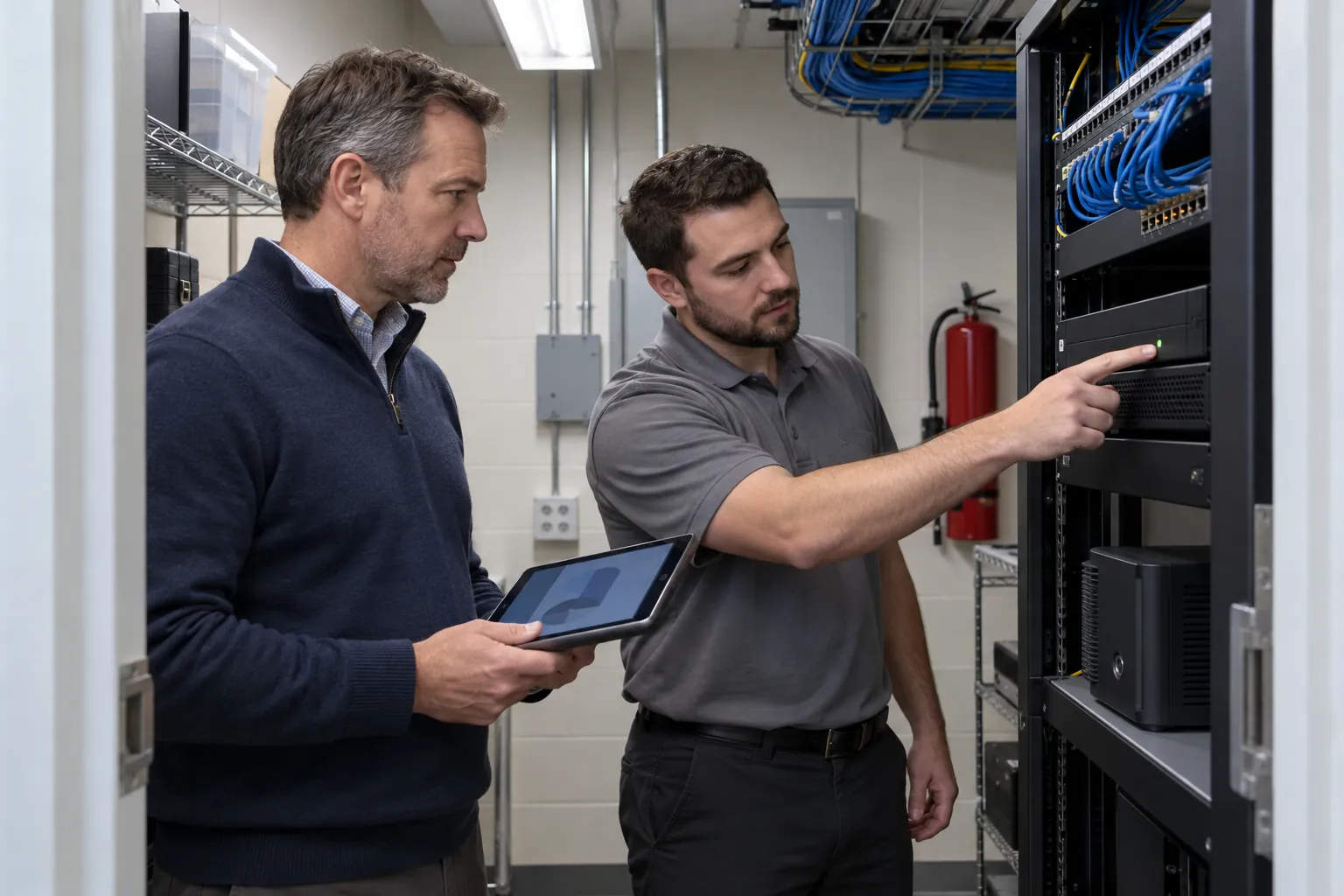
- Hardware is sound. Housings and mounts are secure, cables, connectors and conduit are intact, recorder drive health is good, the uninterruptible power supply (UPS) is working, and the recorder room or closet is not overheating.
- Accounts and access are current. No shared or default passwords, no accounts for people who have left, and remote access only for those who need it.
- Signs and privacy settings are in place. Required signs are up, privacy masks still cover what they should, and nothing points into a restroom, locker room or changing area.
A small site with eight cameras can cover most of this in one monthly walk; a campus on a VMS will split it between the security operations center, the building engineer and the integrator.
03
How often to check security cameras
No US standard sets inspection frequencies for an ordinary building's cameras, so the schedule comes from the manufacturer's instructions, the service contract and the risk. A sensible pattern, and a starting point to adjust, looks like this:
- Every shift, where there is a console or an officer with a monitor: confirm every camera tile shows a live picture and the recording indicator is on. It takes a minute, and it is the check that finds a dead camera in hours rather than weeks. Add it to the security guard shift checklist and record the result in the pass-down log.
- Weekly: a short walk past the exterior cameras to inspect them rather than look through them. Look for a knocked housing, a dome with a spider web, a camera turned toward the sky, new obstructions and damaged cable runs. Do a quick playback spot check on two or three channels.
- Monthly: a playback test from every camera for a chosen time the day before, a check of the oldest recording against the retention period, a time stamp check, a test export, a look at the recorder's drive health and event log, and one pass after dark to check night images.
- Quarterly or twice a year: the service visit, usually by the integrator or an in-house technician. Clean lenses and domes, check and tighten mounts, re-aim and refocus, check power supplies and the UPS, apply firmware updates the manufacturer has released, and review user accounts.
- Every year, and after any change to the building: a coverage review against the site plan and the security plan. New fences, entrances, landscaping, tenants and lighting change what each camera can see.
Adjust the frequency to the camera's job and surroundings. A camera over a cash office or main entrance deserves more attention than one over a quiet stair, and outdoor cameras near the coast, in dust or under trees get dirty faster. A system that has failed twice in a quarter needs more frequent checks until the cause is found.
04
Who does what, and the privacy and audio checks to make at the same time
Camera checks go wrong most often at the handoff: the officer who sees the dead tile assumes someone else has reported it, and the integrator only hears about it at the next service visit. Write down who owns each part.
- Security officers do the shift and weekly checks, report every fault the same shift, and note it on their daily activity report. Their post orders should say which cameras to check, when, and who to tell.
- The security supervisor or account manager checks that the shift checks happened, follows up open faults and raises the ones the officers cannot fix.
- The facility manager, property manager or building engineer owns the work order, the contractor and the budget: replacement cameras, new drives, power and network work.
- The integrator or service contractor does the technical maintenance, repairs and firmware updates the contract covers, and should leave a service report after each visit.
- IT, where the cameras sit on the building network, owns network access, remote access and accounts.
A monthly check is also the time to confirm the system stays within the law. Many cameras have microphones, and audio is treated differently from video. The federal Wiretap Act, 18 U.S.C. 2511, makes it an offense to intentionally intercept an oral communication, with an exception where a party to the conversation has given prior consent, and several states require the consent of everyone in the conversation. Unless your counsel has approved audio recording, check that the microphone is off.
Placement matters too. In California, Labor Code section 435 says "no employer may cause an audio or video recording to be made of an employee in a restroom, locker room, or room designated by an employer for changing clothes, unless authorized by court order." Other states have their own rules, and CISA's K-12 guide warns that cameras in and around schools "could infringe of the civil rights and liberties of individuals if their use is not appropriately delineated in compliance with applicable federal, state, and local laws." A camera that has been moved, re-aimed or zoomed since installation can end up looking somewhere it should not, which is one more reason to check the view.
Finally, treat networked cameras as computers. CISA has published a Secure by Design Alert on eliminating default passwords (December 2023), urging manufacturers to stop shipping them because attackers exploit static default passwords in customers' systems. The owner's side of the fix is the monthly account check.
05
What a good camera check record looks like
A checklist on a clipboard next to the monitor, initialed down the column, shows that someone had a pen. A record that holds up after an incident shows what was checked, when, by whom, what was found and what happened next. Each entry should carry:
- the date and time of the check, and the name of the person who did it;
- which cameras or which part of the system was checked, by camera number or location;
- the result for each, including "all OK" as a positive entry rather than a blank;
- any fault found, with a work order or ticket number;
- when the fault was reported, to whom, and when it was fixed;
- for monthly checks, the oldest recording found, the time stamp result and the export test result.
Keep the check record separate from the footage. The record shows the system was checked; the footage belongs to the recorder's retention rules and your evidence procedure. When an incident happens, follow your security incident report procedure: note which cameras cover the scene, export the clip promptly before it is overwritten, and record who exported it, when and where the copy went.
Faults deserve their own list: each open camera fault, how long it has been open and whose move it is. A camera "on order" for two months is a gap in coverage someone decided to accept, and that decision should be visible.
06
Where the camera record fails, and what SiteClara does about it
Camera records fail in familiar ways. The shift check is initialed for the whole week on Monday. The officer notices the loading dock camera is down, mentions it at pass-down, and it stays down for six weeks because nobody raised a work order. The monthly playback test is in the post orders but nothing shows it happened. After a break-in, nobody can say when the parking lot camera was last seen working.
SiteClara works on those gaps. A printed QR poster at a location, with an optional NFC tag behind it, lets staff scan or tap with their own phone, with no app to install. For cameras, that might be a poster at the security desk or console, the recorder closet and each exterior elevation. Staff see the checks due there, such as the start-of-shift camera check or the monthly playback test, and mark each one done or say what stopped them, with a photo when one is asked for. A fault found on the check, such as a dead camera, a fogged dome or a recorder that stopped saving, is reported with a photo and stays on the team's list of jobs until someone closes it.
The supervisor sees what was due, done and missed, and records the reason a check was missed. A job the team cannot fix itself, such as a camera that needs the integrator or a new drive that needs the owner's approval, can be escalated to the building manager to answer. Each day the supervisor reviews and approves a report that goes to nominated management or client contacts at 8 a.m. the next morning, showing what was reported, what was completed and what is still open.
07
Questions people ask
Do CCTV cameras need maintenance?
Yes. A camera that is not tested can stop recording without anyone noticing, and where a regulator speaks it treats cameras as devices to maintain. The FDIC's 12 CFR 326.3 (Security program) requires a covered bank's security program to "provide for selecting, testing, operating and maintaining appropriate security devices," and CISA's K-12 School Security Guide, 3rd Edition asks whether there are "policies and procedures in place to ensure that security technologies are operated and maintained in a way that will maximize security benefits."
What are common CCTV problems?
Beyond the hardware faults a routine check finds, such as a dead channel, a dirty or fogged lens, a knocked camera or a recorder that has stopped saving, federal guidance names three that are about how the system is run. CISA's K-12 School Security Guide, 3rd Edition says CCTV contributes to detection only if someone consistently monitors the video feeds in real time, and lists "potential infringement on civil rights & liberties" as a tradeoff of cameras, to be limited by installing them in approved locations under clear policies on the use of video. CISA's Secure by Design Alert on eliminating default passwords warns that attackers continue to exploit default passwords on internet-exposed systems, which is why the monthly check includes user accounts.
08
Further reading, and a checklist to take away
CISA's Security Planning Workbook is a free way to put cameras, lighting and alarms into one security plan, and its K-12 School Security Guide, 3rd Edition sets out what cameras depend on and the tradeoffs of using them in schools. FDIC-supervised institutions should read 12 CFR 326.3 in full, and everyone recording audio should read 18 U.S.C. 2511 and their state's law. The manufacturers' instructions and your service contract set the technical schedule.
A CCTV maintenance checklist to start from:
- every shift: every camera shows a live picture and is recording;
- weekly: walk past the exterior cameras and look at them, not through them;
- monthly: playback from every camera, retention checked, time stamp checked, test export, drive health, one check after dark;
- monthly: no default or shared passwords, no accounts for people who have left, microphones off unless approved;
- quarterly or twice a year: lenses and domes cleaned, mounts tightened, re-aimed and refocused, power and UPS checked, firmware updated;
- yearly and after changes: coverage reviewed against the site plan, nothing pointing into restrooms or changing areas;
- every fault: reported the same shift, with a work order, an owner and a date it was fixed;
- every check: dated, named and recorded when it was done, not afterward.
Sources
Every document this guide quotes or links to, in the order it first cites them.
- 12 CFR 326.3 (Security program) ecfr.gov
- Security Planning Workbook cisa.gov
- K-12 School Security Guide, 3rd Edition cisa.gov
- 18 U.S.C. 2511 govinfo.gov
- Labor Code section 435 leginfo.legislature.ca.gov
- Secure by Design Alert on eliminating default passwords cisa.gov
Related guides
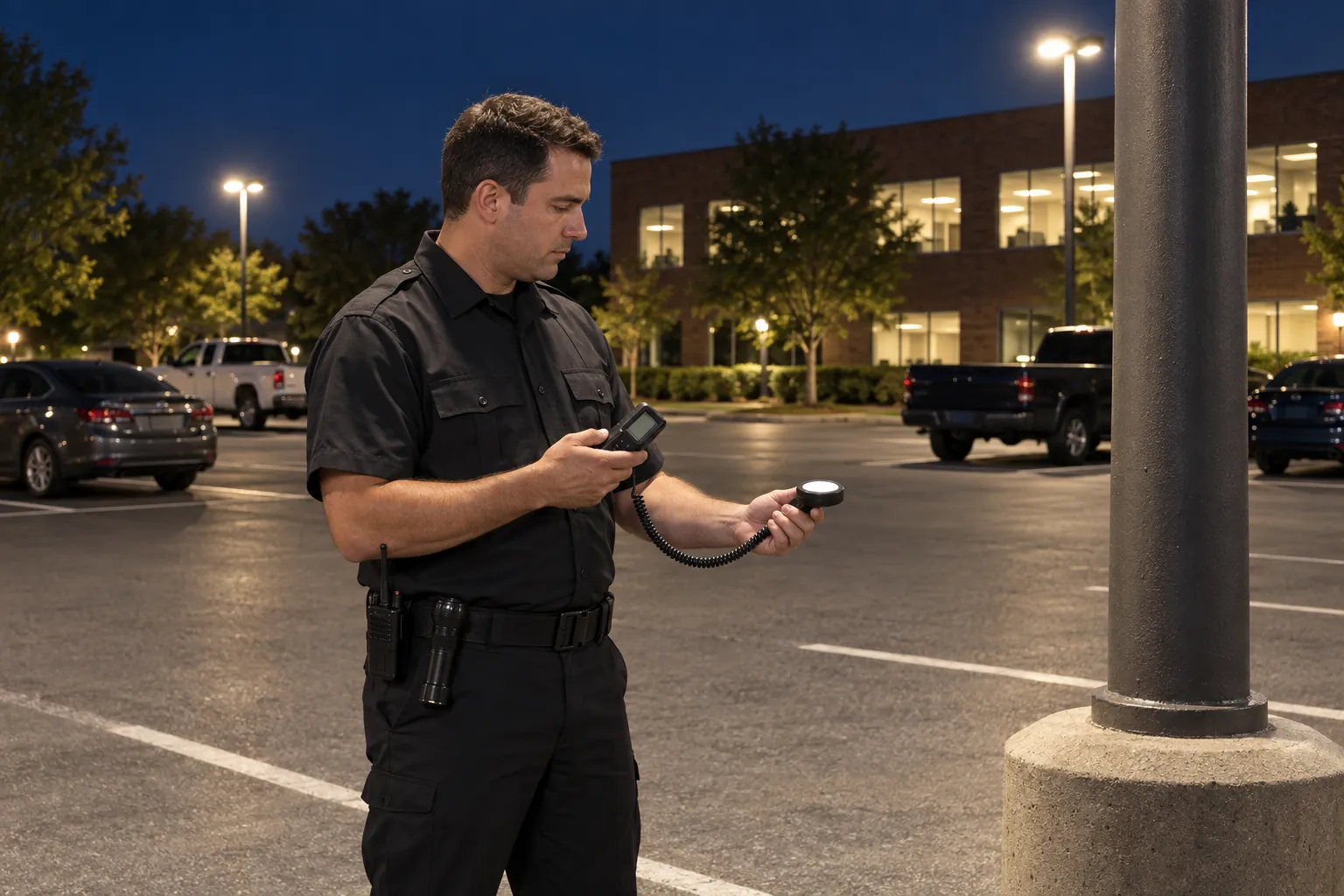 Security patrolsLighting survey: how to check a property's security lighting after darkHow to run a security lighting survey at night: what to check, how to take foot-candle readings, how often, who owns the fixes, and a record that holds up.
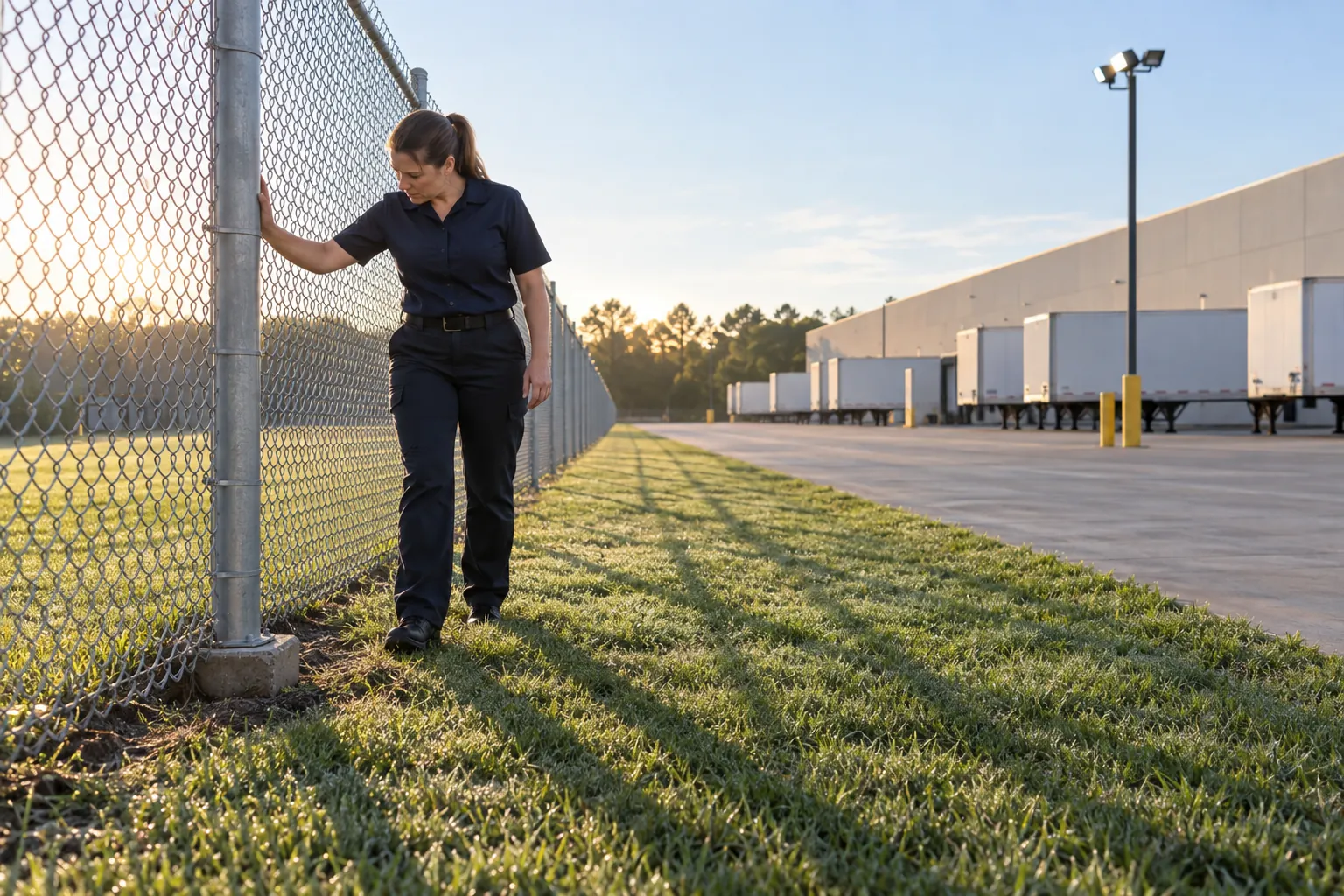 Security patrolsPerimeter security checklist: how to inspect a fence line, its gates and the ground around itA perimeter security checklist for US sites: what a fence inspection covers, gates and barriers, how often to walk the line, and the record that shows it was done.
 Security patrolsBuilding security checklist: what to check, when to check it, and how to show it was doneA building security checklist for US offices, schools and commercial buildings: doors, locks, lights, cameras, alarms and exits, when to check them and the record.
 Security patrolsSecurity guard shift checklist: what to check from post-up to pass-downA security guard shift checklist for US sites: what to check at post-up, on each round and at shift change, the state rules behind it, and how to prove it.