Security patrols
Site security checklist: what to check, how often, and how to show it was done
A site security checklist is the list of physical security checks – perimeter, gates, locks, lighting, CCTV, alarms, keys and escape routes – that a named person makes at a building or construction site at opening, at lock-up and in between, recording what they found.
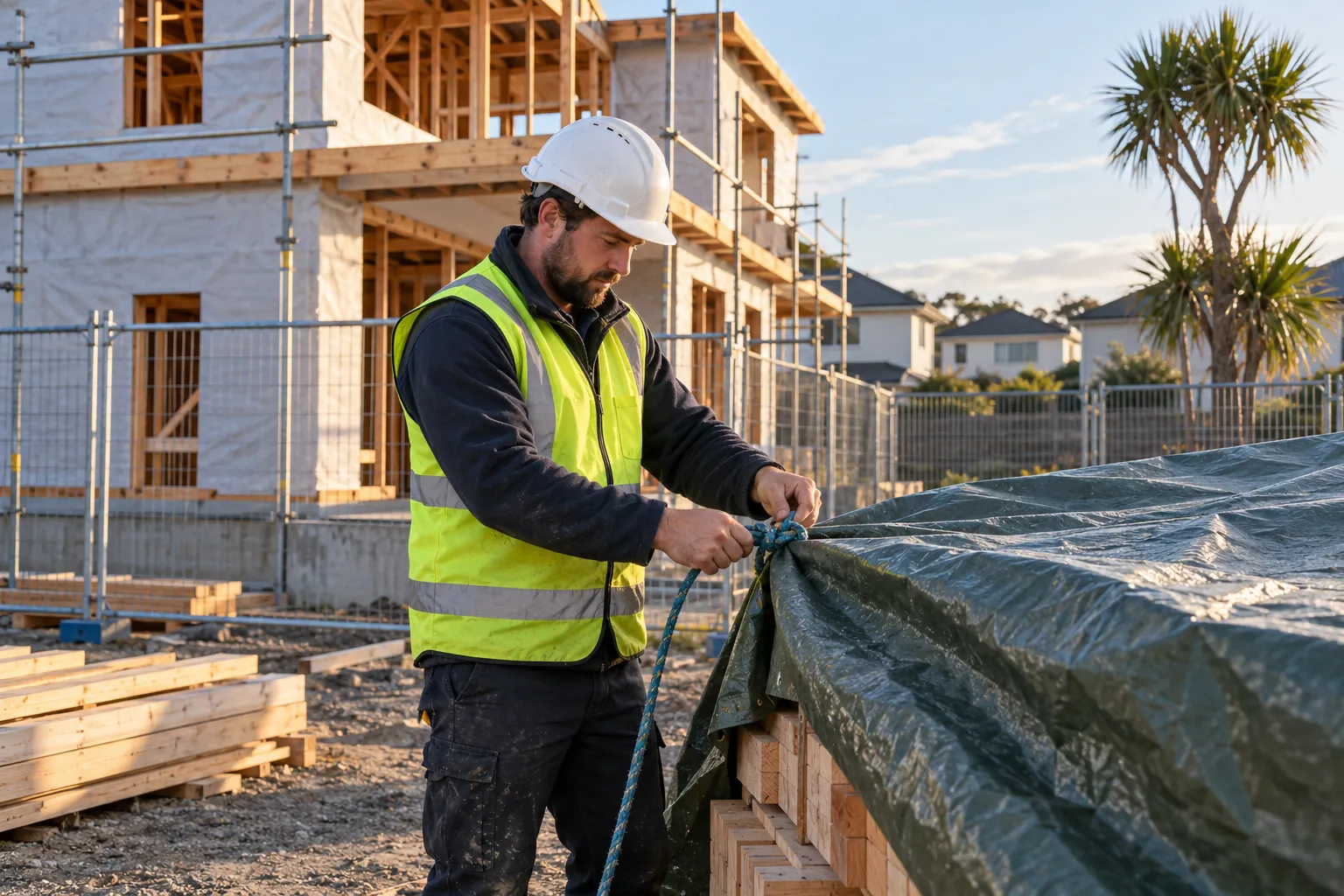
It turns a security plan into a practical routine the whole team can follow. This guide is written for New Zealand building owners, property and facilities managers, body corporate managers, caretakers and security companies. It covers where the duties come from, what the checklist should include for an occupied building or a construction site, how often each check is due, and what makes the record worth keeping.
01
Why a site needs a security checklist in New Zealand
No New Zealand law requires a document called a site security checklist. The duties behind one come from several places, and a checklist, with the record it produces, is the ordinary way of showing that those duties are being met day to day.
- The Health and Safety at Work Act 2015 (HSWA). WorkSafe's Introduction to the Health and Safety at Work Act 2015 special guide summarises the primary duty of care in section 36: "A PCBU must ensure, so far as is reasonably practicable, the health and safety of workers, and that other people are not put at risk by its work." Section 37 goes further for whoever manages or controls a workplace, who must ensure "the workplace, the means of entering and exiting the workplace, and anything else arising from the workplace are without health and safety risks to any person." Visitors, contractors and members of the public are all "any person".
- Construction sites. WorkSafe's article Lock up your construction sites reminds site managers that HSWA makes them responsible for others on their site, not only their workers. One of its chief inspectors put it plainly: "You won't be there, and you need to make sure no-one can get in and injure themselves."
- Escape routes. Fire and Emergency New Zealand's page Regulations for building owners explains regulation 5 of the Fire and Emergency New Zealand (Fire Safety, Evacuation Procedures, and Evacuation Schemes) Regulations 2018: the owner of a building listed in schedule 2 must maintain the means of escape from fire and ensure that "exit doors are unlocked and not blocked, so occupants can get out of the building in case of a fire emergency". Security must never defeat that.
- CCTV and privacy. Footage of identifiable people is personal information under the Privacy Act 2020. The Office of the Privacy Commissioner's guidance on CCTV asks you to decide your purpose, "tell people they are being recorded", decide how long footage is kept and who can see it, and be ready to answer a request for it.
- Security licensing. The Private Security Personnel Licensing Authority, established under the Private Security Personnel and Private Investigators Act 2010, issues licences and certificates of approval. A security company needs a company licence, and its employees need a certificate of approval (COA); the Authority's guide Licence or certificate? sets out who needs which.
For government organisations there is a more formal framework. The Protective Security Requirements (PSR) physical security guidance describes physical security as combining "physical and procedural measures". Its PHYSEC mandatory requirements are what "mandated government agencies must follow, and other organisations should adopt as best practice": a sound model for any site.
Two more sources often matter more in practice than any statute: the insurer, whose policy may set conditions on alarms, locks, keyholders or patrols, and the contract with the client, landlord or body corporate, which sets what the security company or caretaker is actually paid to check.
02
What a site security checklist should cover
Start from the risk, not from a template. The PSR's mandatory requirements for physical security begin with "Identify the people, information, and assets that your organisation needs to protect, and where they are", then ask for site security plans for existing and new sites, and for measures that are confirmed to be "correctly implemented" and "fit for purpose". A central city office tower, a suburban school, a light industrial unit and a rural depot face different threats, and the checklist should show it. A good checklist then covers the physical security measures that answer those risks:
- Perimeter: fences, gates, barriers and bollards intact, with no gaps, loose panels or climbing aids; warning signs in place.
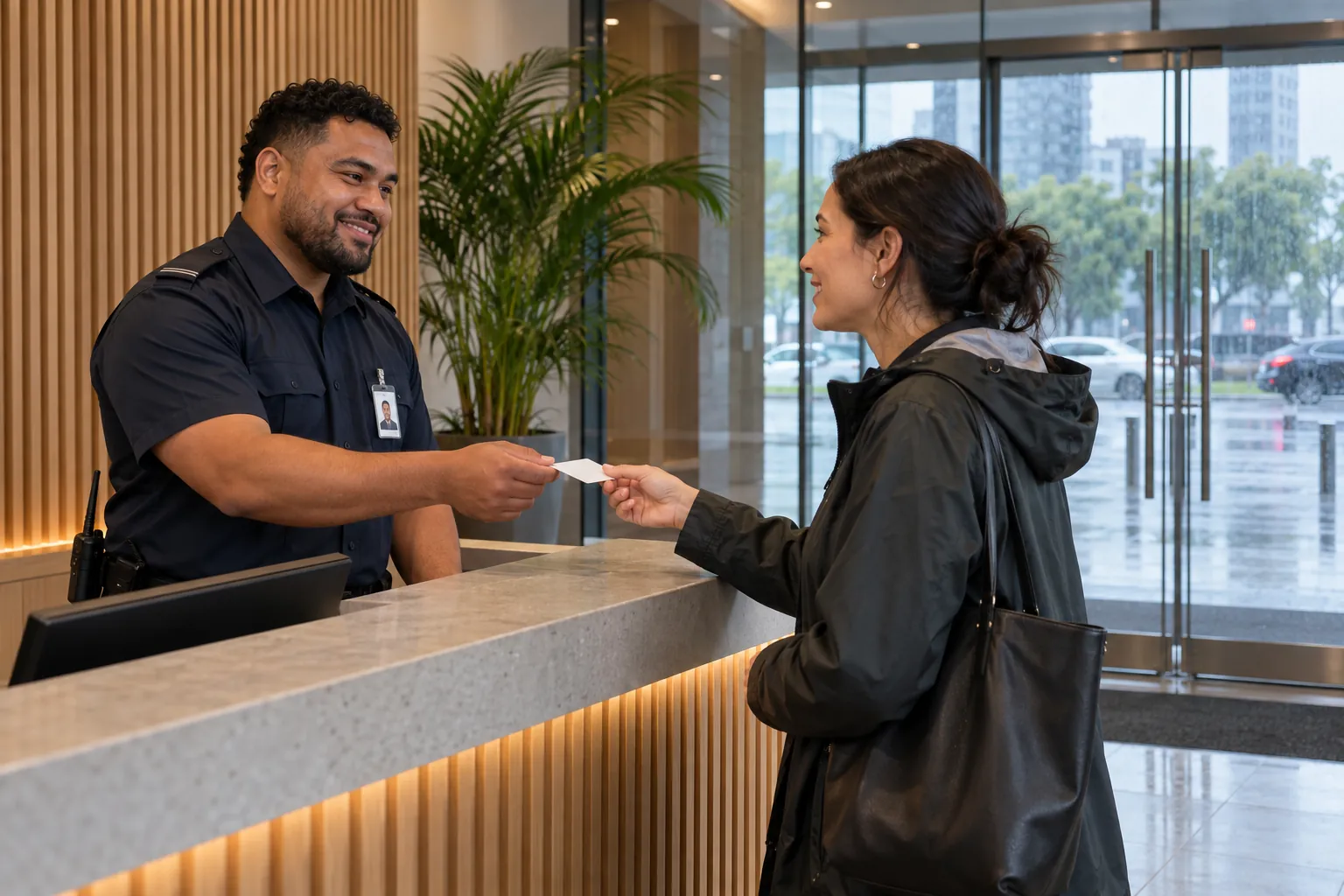
- Access control: doors and gates locked or staffed; swipe card readers and door entry working; visitor and contractor sign-in in use; no one on site who should not be.
- Doors, windows and roller doors: locked at lock-up, including skylights and roof hatches; no doors wedged open; damage recorded.
- Keys, cards and codes: keys and fobs accounted for against the key register; alarm codes held only by the people who need them, and changed when someone leaves.
- Lighting: entries, exits, car parks and loading areas lit, with no dark corners; sensor lights over doors and windows working.
- CCTV: cameras on, clean and pointing where they should; recording working, with the date and time right; signs displayed.
- Intruder alarm: set when the building is empty; detectors clear of stacked stock or furniture; activations and faults noted; keyholder and monitoring company contacts current.
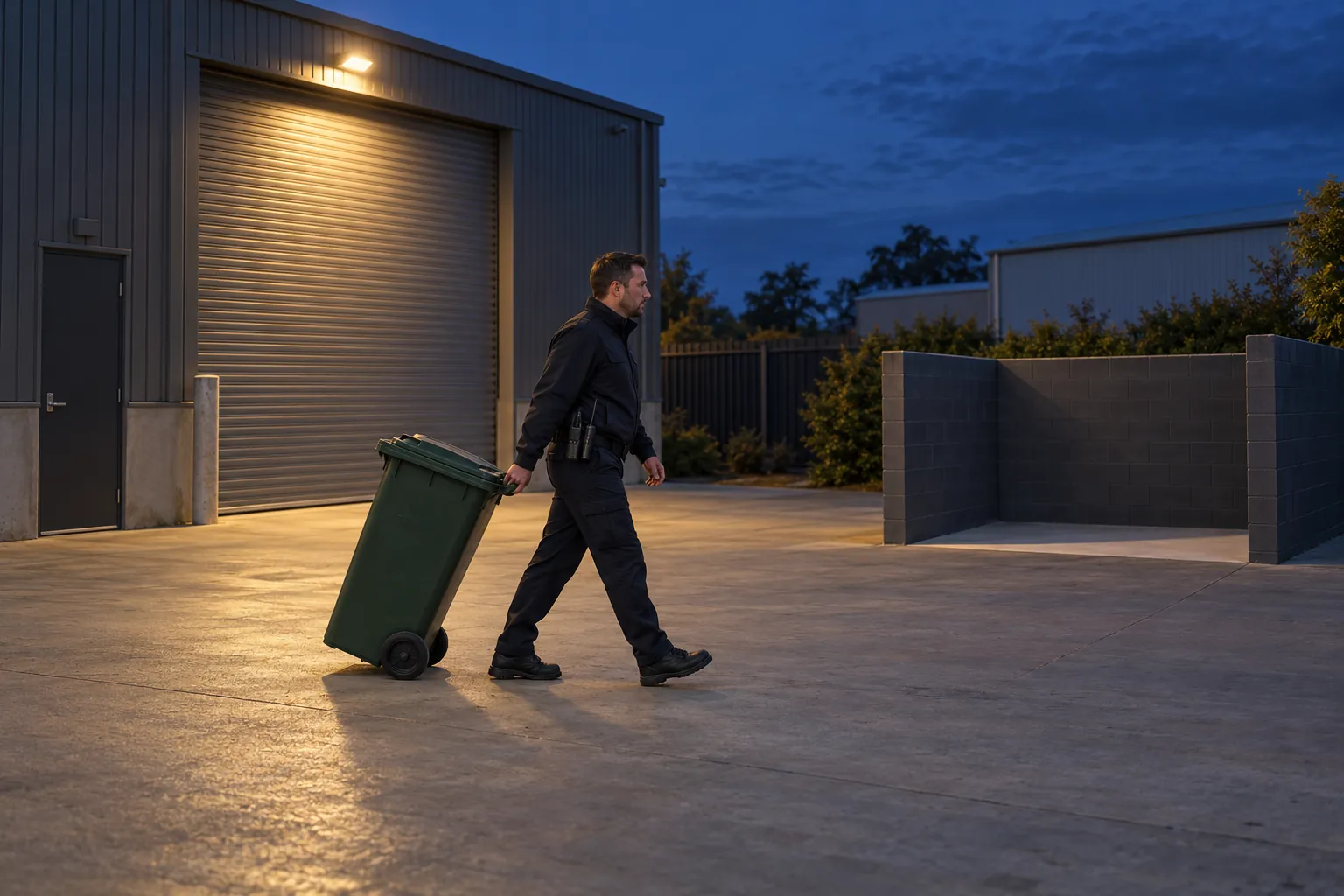
- Rubbish and arson risk: bins and skips kept away from the building; no combustible waste stacked against walls, fences or hoardings; graffiti and vandalism reported.
- Escape routes: exit doors unlocked and clear whenever people are inside; stairwells and corridors free of stored goods; fire doors and smoke control doors closed unless held open in a way that complies with the Building Code.
- Plant rooms, stores and roof access: locked, and entered only by authorised people and contractors.
- Hazardous substances: chemicals, fuel and gas cylinders stored securely, away from the perimeter and out of reach of anyone who might misuse them.
- Emergency contacts: the after-hours contact list current, so whoever finds a problem at 2am knows who to ring.
New Zealand Police's Business Crime Prevention booklet has a short list for when a business is closed that makes a useful cross-check, including sensor lights "covering all doors and windows" and ladders, bins or other objects secured so that they "do not provide access to the roof". Fire and Emergency's Business fire safety checklist adds the arson items: bins and skips kept away from the building, adequate perimeter fencing, and security lighting and surveillance equipment outside.
Keep the list to what someone can check properly on a round. Forty items walked in ten minutes get ticked, not checked.
03
Construction site security
A construction site changes every week, so its checklist needs reviewing far more often than one for a finished building. The boundary moves, scaffolding goes up and new plant arrives. The site also attracts people who have no business there, children above all, especially on residential builds and over the Christmas shutdown.
WorkSafe's Lock up your construction sites asks site managers to work through these questions before leaving a site:
- Is the worksite fenced off from the public?
- Are the public protected from falling material?
- Is there clear signage to warn people of danger?
- Is the boundary secure?
- Have steps been taken to prevent unauthorised access, for example by removing or boarding ladders?
- Are excavations and openings securely covered or fenced off?
- Is all plant immobilised to prevent unauthorised use?
- Are bricks and materials safely stacked?
- Are flammable or dangerous substances locked away securely?
Most construction sites add a few items of their own: deliveries checked in and stored rather than left at the gate overnight; site offices, containers and smoko rooms locked with no keys or documents on view; plant parked inside the compound with keys held securely; and, where the site has a security company, patrol times and the after-hours contact written into the plan.
On a site with several contractors, the head contractor usually runs the security plan and the lock-up, but every PCBU on site shares the duty to protect the public. WorkSafe calls these overlapping duties: the businesses involved must consult, co-operate and co-ordinate, so the scaffolder knows who boards the ladders and the electrician knows who locks the container.
04
How often each check is due
There is no statutory frequency for most security checks. The interval follows the risk, the insurer's conditions and the way the site is used. A common pattern for a building that is occupied in the day and empty at night is:
- At opening: alarm unset and any overnight activations noted; perimeter walked; doors, windows and gates checked for damage; anything unusual recorded before staff and the public arrive.
- Through the day: reception and access points watched; visitors and contractors signed in; deliveries received; exit doors checked unlocked and clear.
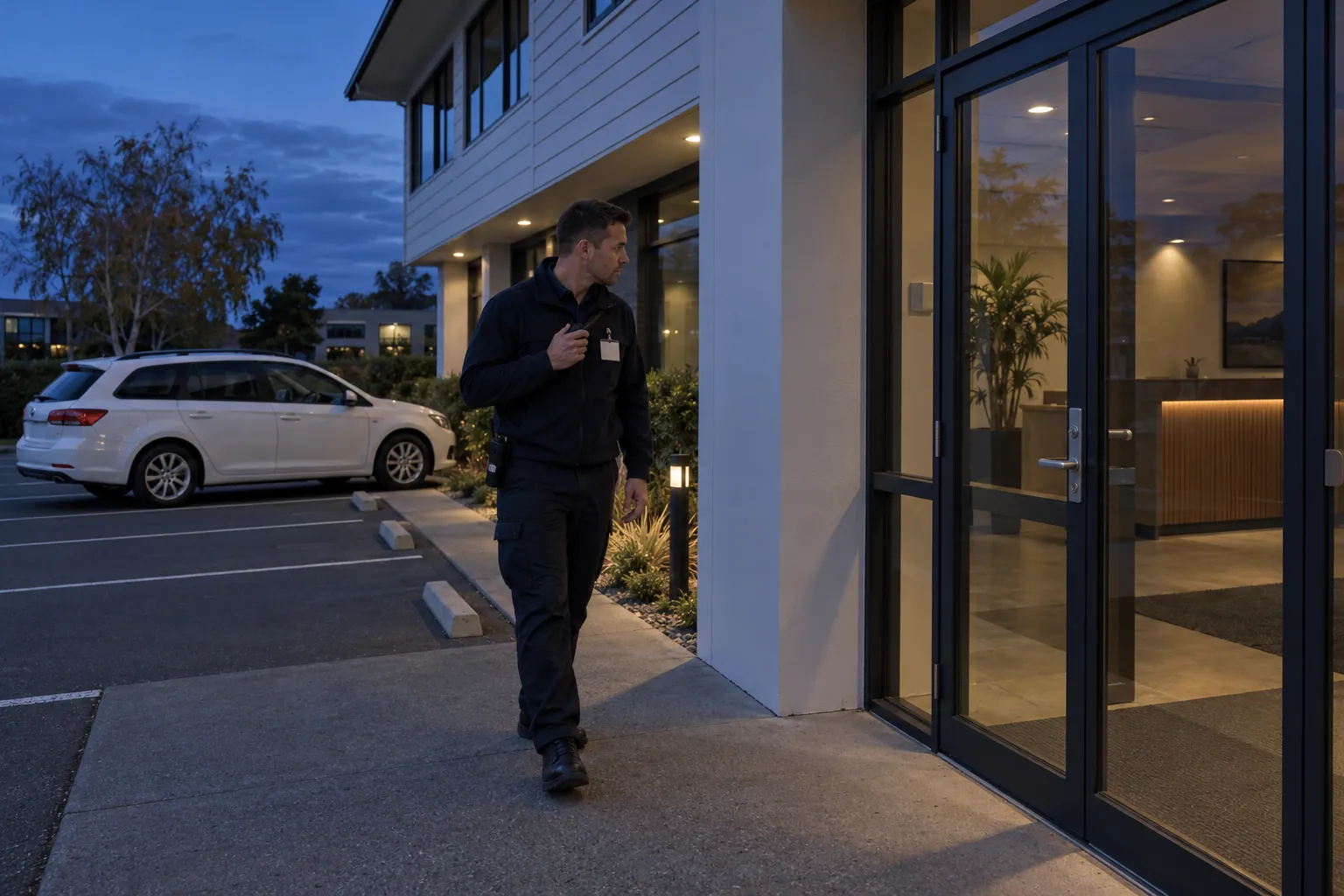
- At lock-up: every floor, toilet and meeting room checked for people; windows, doors and roller doors locked; valuables out of sight; lights set; alarm set; gates locked. See lock-up patrols for how a security company usually does this round.
- After hours: patrols by an on-site guard or a mobile patrol, at the times the site instructions set.
- Weekly: CCTV recording checked by playing back a sample; key register reconciled; outside lighting walked after dark.
- Monthly or quarterly: a fuller walk of the site against the security plan.
- At least yearly, and after any incident or change of use: the security risk assessment and the checklist reviewed. The PSR puts it as keeping measures up to date, because "threats, vulnerabilities, and risks evolve over time".
Two things a daily check does not replace. Alarm and CCTV systems need servicing by a competent contractor at the intervals the installer and insurer set. And if the building has specified systems on its compliance schedule, such as electromagnetic or automatic doors or windows (for example, ones that close when the fire alarm goes off), those are tested and maintained under the compliance schedule, with some inspections by an independent qualified person (IQP), and certified for the building warrant of fitness. MBIE's page on specified systems and compliance schedules lists them. A security officer noticing that one of those doors did not work as it should is useful information for the building manager; it is not the IQP's inspection.
CCTV retention deserves a decision rather than a default. The Privacy Commissioner asks you to decide how long footage is kept; the Police booklet suggests it "should be recorded and kept for 31 days, and easily downloadable". Write the period down and check the recorder keeps that long.
05
Who does it, and what good evidence looks like
Every check on the list needs an owner: a named role, not "security" or "whoever is last out". On a guarded site that is the security officer on shift, who must hold a certificate of approval for property guard work; the PSPLA's Training and skills page sets out the minimum training for on-site property guard work, and explains that remote monitoring from a control room is now a separate Monitoring Officer permit class. Without guards it may be the caretaker, the property manager, the body corporate's contractor or a named staff member.
Security work is often done alone and at night. WorkSafe's guidance on lone working notes that people "working late night shifts" may be at increased risk of confrontation. A checklist should never require someone to confront an intruder; the Police booklet's robbery advice is clear that you should never try to chase or catch an offender, and should call 111 when it is safe to do so.
A record that shows the checks were done well has the same features on any site:
- It is completed at the time, at the place, not filled in at the end of the shift from memory.
- It names the person who did the check.
- It records exceptions: the gate found open, the light out, the camera pointing at the sky, and who was told.
- Faults are followed up: a broken lock recorded on Monday should not still be recorded on Friday.
- Gaps are explained: a missed lock-up check with a reason is more believable than a sheet with no gaps at all.
- Someone reads it: a supervisor or property manager who reviews the record every week spots the repeated problem before it becomes a break-in.
Anything serious found on a round belongs in the proper record too: the occurrence book for the shift and a security incident report for a break-in, damage or a confrontation. After a burglary the insurer and the Police will ask when the site was last checked, by whom, and what was found. A record that answers all three is worth more than any number of ticks.
06
Where security checklists fail, and where SiteClara fits
The paper checklist on a clipboard in the security office has the same weaknesses everywhere. It is filled in at the end of the shift. Nobody can tell whether the back gate was checked at 6pm or ticked at 6pm from the car. Faults written on the sheet stay on the sheet. And the property manager, or the client with several sites, sees it only when they visit.
SiteClara records the checks where they happen. A printed QR poster, with an optional NFC tag behind it, goes at each checkpoint: the main gate, the compound, the plant room, the exit doors, the roof hatch. Whoever does the round scans the code or taps the tag on their own phone, with no app to install, and marks the scheduled check done or explains what stopped them. The time and the named person are recorded as it happens, with a photo where one helps. A fault found on the round goes onto the team's list of jobs until someone closes it, and the supervisor can escalate it to the building manager.
The supervisor sees what was due, done and missed, and can record the reason a check was missed. Each day's report is reviewed and approved by the supervisor and goes to nominated management or client contacts at 8am the next morning, with what was reported, what is still open and how the scheduled checks went.
07
Questions people ask
What are the key elements of a security risk assessment?
Knowing what you need to protect, and how likely and how serious each risk is. The Protective Security Requirements' Physical security mandatory requirements set out four requirements: "Understand what you need to protect", "Design your physical security", "Validate your security measures" and "Keep your security up to date". The first asks an organisation to understand the people, information and assets it needs to protect, where they are and their value, and to evaluate "the likelihood and impact of each risk"; the second asks for site security plans for existing and new sites. The PSR's Physical security (PHYSEC) overview calls this a risk-management approach to working out "the right levels of physical protection". The checklist is how the measures that come out of it are checked day to day.
What should a construction site security checklist include?
The public, as much as the materials. WorkSafe's Lock up your construction sites lists the questions to ask before leaving a site: whether it is fenced off from the public, the public are protected from falling material, warning signs are up and the boundary is secure; whether ladders are removed or their rungs boarded; whether excavations and openings are covered or fenced off; whether all plant is immobilised; whether bricks and materials are safely stacked; and whether flammable or dangerous substances are locked away. It reminds site managers that under the Health and Safety at Work Act 2015 they have "a responsibility to care for others on your site, even if they are not workers."
08
Further reading, and a list to take away
Start with WorkSafe's special guide to HSWA and Lock up your construction sites; Fire and Emergency's pages for building owners; MBIE's pages on the building warrant of fitness; the Police Business Crime Prevention booklet; the Privacy Commissioner's CCTV guidance; the PSPLA's licensing pages; and the Protective Security Requirements for a risk-based approach any organisation can borrow.
Before you print or revise the checklist, check that:
- it comes from a current assessment of what the site needs to protect and the threats it faces;
- every item has a named owner and a set frequency;
- opening, lock-up and after-hours checks are separate;
- exit doors are checked unlocked and clear whenever people are inside;
- keys, cards, codes and alarm contacts are reconciled regularly;
- CCTV signs are up and the retention period is decided and checked;
- the security company and its officers hold current PSPLA licences and certificates;
- faults found are reported to someone who will fix them, and followed up;
- someone reads the completed checklist every week;
- the checklist is reviewed after any incident and whenever the site changes.
Sources
Every document this guide quotes or links to, in the order it first cites them.
- Introduction to the Health and Safety at Work Act 2015 special guide worksafe.govt.nz
- Lock up your construction sites worksafe.govt.nz
- Regulations for building owners fireandemergency.nz
- Guidance on CCTV privacy.org.nz
- Private Security Personnel Licensing Authority justice.govt.nz
- Licence or certificate? justice.govt.nz
- Protective Security Requirements (PSR) physical security guidance protectivesecurity.govt.nz
- Mandatory requirements for physical security protectivesecurity.govt.nz
- Business Crime Prevention booklet police.govt.nz
- Business fire safety checklist fireandemergency.nz
- Specified systems and compliance schedules building.govt.nz
- Training and skills justice.govt.nz
- Lone working worksafe.govt.nz
Related guides
 Security patrolsSecurity guard duties: what the role involves in New Zealand, and how it is checkedSecurity guard duties in New Zealand: the PSPLA certificate of approval, patrols, access, trespass, citizen's arrest, and how the work is set and checked.
 Security patrolsLock-up patrols: securing a building at close, and showing it was doneWhat a lock-up service covers in New Zealand: the PSPLA licence, the order of a lock-up, fire exits, trespassers, break-ins and what each visit should record.
 Security patrolsSecurity occurrence book: what to record, and how to keep one that stands upThe security occurrence book in New Zealand: what guards should record, how to write entries that stand up, and how it links to incidents, trespass and privacy.
 Security patrolsSecurity incident report: what to record, and how to write one that holds upWhat a New Zealand security incident report should record, how to write one, the PSPLA and NZQA expectations, HSWA notifiable events and Privacy Act care.