Premises and facilities management
Facilities help desk: what it does, and how to run one well
A facilities help desk is the single point of contact where the people in a building report problems and request services, and where the facilities team logs each one as a work order, sets its priority, sends it to the right technician or vendor and tracks it until it is fixed.
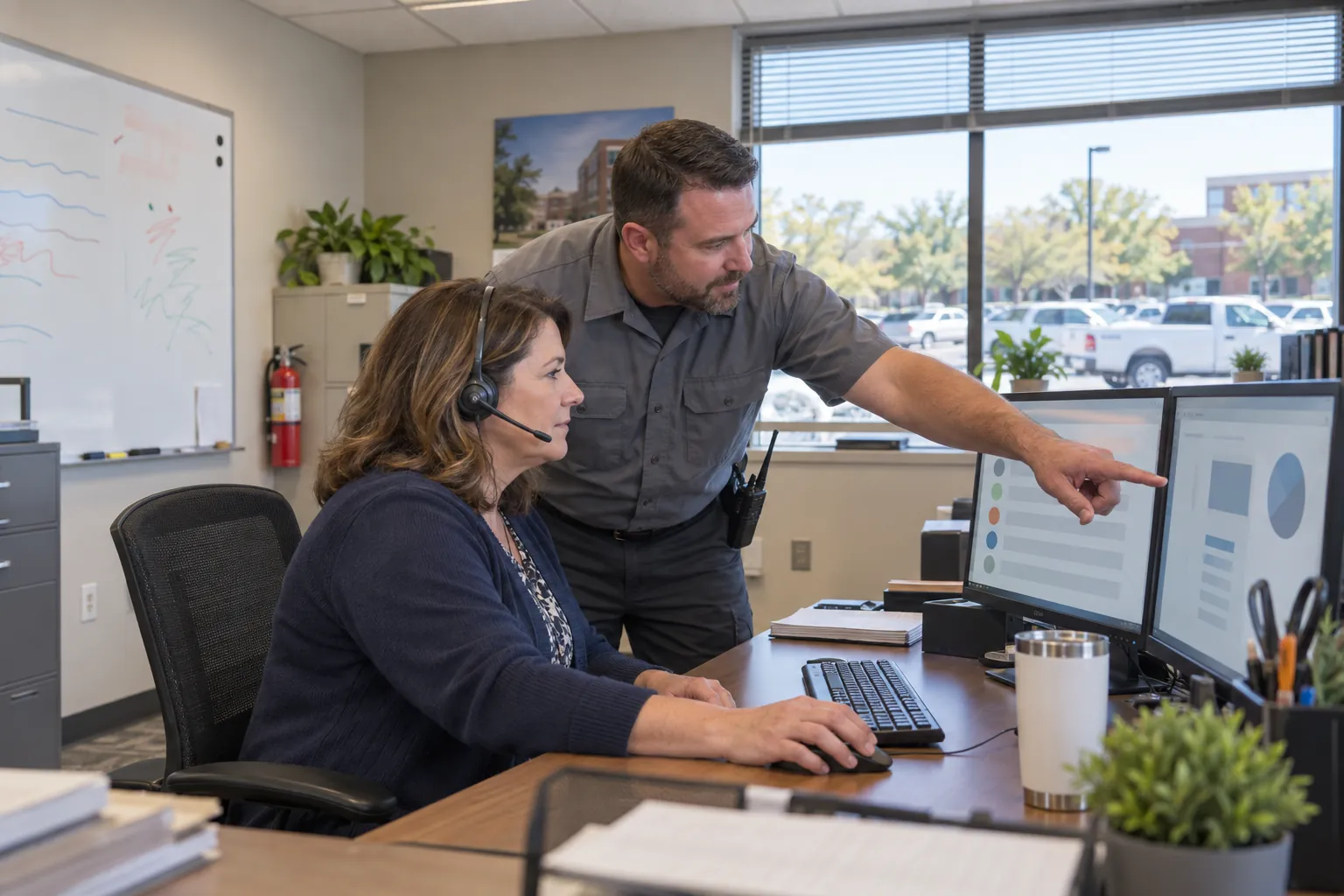
It is where a building's problems arrive: the HVAC that will not cool, the roof leak over the conference room, the restroom out of order, the elevator stuck between floors. Run well, it turns a complaint into a work order and a work order into a fix, and it gives the facility manager an honest picture of the building. Run badly, it is a phone number people have learned not to call. This guide covers what a facilities help desk does, how it logs and prioritizes work, the duties it supports under U.S. law, and how to tell whether it is working.
01
What a facilities help desk is, and the duties behind it
A facilities help desk, also called a facilities service desk, a maintenance help desk or a work order desk, is the single point of contact for everything to do with the buildings an organization occupies and the services in them. Occupants and tenants use it to report a problem, request a service or ask a question; the facilities team uses it to create work orders, send them to the right technician, custodian, security officer or vendor, and track them until they are done. Many desks call each request a ticket, a term borrowed from IT service management; the ticket becomes a work order once someone is sent to do the job.
It is not the IT help desk, although many organizations run the two side by side, sometimes on the same software. The facilities desk deals with the building: heating, ventilation and air conditioning, plumbing, electrical and lighting, doors, locks and access control, elevators, custodial and janitorial service, security, waste and recycling, pest control, grounds, moves and furniture, and the safety and code issues that come with them. The definition used by the International Facility Management Association (IFMA), taken from ISO, calls facility management "an organizational function which integrates people, place and process within the built environment with the purpose of improving the quality of life of people and the productivity of the core business"; the help desk is where that function meets the people using the building every day.
No federal law requires a help desk, but the duties it supports are real. Under Section 5(a)(1) of the Occupational Safety and Health Act, the General Duty Clause, each employer must provide a place of employment "free from recognized hazards that are causing or are likely to cause death or serious physical harm." OSHA's walking-working surfaces standard, 29 CFR 1910.22 is more specific: surfaces must be "inspected, regularly and as necessary, and maintained in a safe condition," and "hazardous conditions on walking-working surfaces are corrected or repaired before an employee uses the walking-working surface again." A leak, a spill or a loose floor tile reported to the help desk is exactly that kind of condition.
Two more federal duties land on the desk regularly. 29 CFR 1910.37 requires exit routes to be kept free and unobstructed, adequately lighted and marked, so a dark exit sign or a blocked stair door is not a routine job. And for businesses open to the public, the Americans with Disabilities Act Title III regulations say at 28 CFR 36.211 that a public accommodation "shall maintain in operable working condition" the features required to be accessible, while allowing "isolated or temporary interruptions in service or access due to maintenance or repairs." An accessible restroom out of order, a broken automatic door opener or the only elevator to an upper floor out of service all belong at the top of the queue.
02
What a facilities help desk handles
The requests arriving at a facilities help desk usually fall into a few kinds:
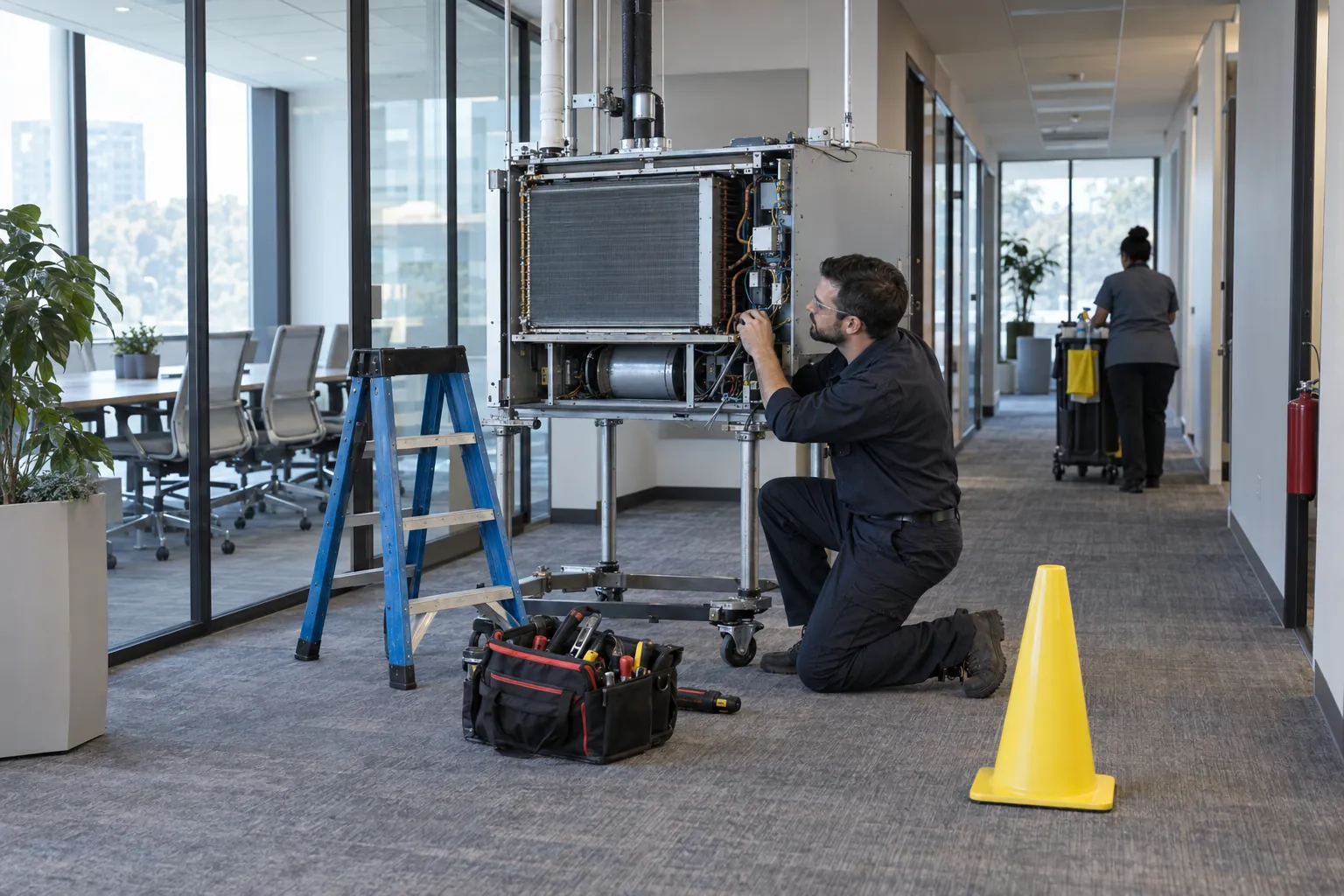
- Reactive repairs: something has broken or stopped working, from a light out in a corridor to a rooftop unit down across a whole wing.
- Service requests: things people want done that are not failures, such as moving furniture, setting up a room for an event, extra custodial service after a function, a new key or badge.
- Emergencies: anything that is an immediate risk to people or the building, such as a flood, a gas odor, a person trapped in an elevator, a fire alarm system out of service or a door that cannot be secured, which needs an immediate response rather than a place in the queue.
- Preventive maintenance: work orders generated by the maintenance schedule rather than by a call, which the help desk often schedules and tracks alongside the reactive work.
- Questions and complaints: "when will my air conditioning be fixed," "the restrooms on the third floor are dirty again," "who do I ask about parking."
- Vendor coordination: booking contractors, arranging access, keys and escorts, checking certificates of insurance, and following up on completion.
Many help desks also carry the administrative side of facilities operations: raising purchase orders for vendors, matching an invoice to its work order, and recording inspection reports for code-required work. In an outsourced or integrated facility management contract, the provider's help desk often does all of this and reports to the client against the contract's service levels.
In a multi-tenant office building the same role usually sits with the property management office, and the requests come from tenants rather than employees. The principles below are the same; the difference is that the lease, not an internal policy, decides what the landlord fixes and what the tenant pays for, so the help desk needs to know which is which before it dispatches. On a university, hospital or corporate campus, one help desk usually serves many buildings and departments, so the location in every request, down to the building and room, matters more than anything else in it.
03
How a work order moves through the help desk
Whatever the size of the operation, the life of a request is the same:
- Request: the occupant reports the problem by phone, email, a web portal, a mobile app or a QR code in the space, with enough detail to act on: where, what, and how bad.
- Log: the help desk creates a work order with a number, the building, floor and room, the category and the time, and tells the requester it has been received.
- Prioritize: the desk sets a priority against written definitions, for example emergency, urgent, routine and scheduled, each with its own response and completion times.
- Dispatch: the work order goes to a named technician, crew or vendor, usually to a phone or tablet through the maintenance system.
- Track: the desk follows the job, follows up when it is running late, and records updates, parts on order, access problems and return visits.
- Close: the work order is closed when the problem is fixed, with what was done, by whom and the time spent, and the requester is told.
- Review: closed work orders feed the reports that show whether the service is working and where the building is failing.
Most organizations of any size run the help desk on a CMMS (computerized maintenance management system) or an IWMS (integrated workplace management system), and some on an IT service management tool extended to facilities. These systems hold the list of assets and their history, generate preventive and reactive work orders, send jobs to technicians, time them against service levels, and produce the reports a client or a director of facilities expects. For a help desk managing technicians, vendors and a preventive maintenance program across a portfolio, a proper maintenance system is the right tool. Smaller facilities departments still run on a shared inbox and a spreadsheet, which works until the volume grows and nobody can see at a glance what is open, how old it is or who has it.
Two parts of the flow deserve more care than they usually get. The first is triage: a help desk coordinator who asks one good question ("is water coming through the ceiling, or is it a stain?") saves a technician a trip. The second is safe work. When a technician services equipment that could start up unexpectedly or release stored energy, OSHA's lockout/tagout standard, 29 CFR 1910.147, applies; the help desk does not run lockout, but it should never pressure a job to close faster than it can be done safely.
04
The people, the hours and the service levels
A help desk is only as good as the people answering it. Typical roles include a help desk coordinator or dispatcher, who takes calls, creates work orders and follows up on them, and a help desk or operations manager, who owns the process, the reporting and the relationship with the client or the building's leadership. The building engineer or chief engineer is often the desk's most important customer and its best source of judgment on priorities. Good coordinators know each building and the on-site teams in it, understand enough about building systems to ask the right questions, and are trusted to set priorities.
Buildings do not close at 5 p.m. After-hours coverage is usually an on-call rotation for engineers, calls forwarded to a security console or lobby desk, or an answering service staffed 24/7. Whoever answers after hours needs a short written list of what counts as an emergency, who to call for each, and when to call 911 first. That list should agree with the building's emergency action plan: under 29 CFR 1910.38, where an OSHA standard requires one, the plan must include "procedures for reporting a fire or other emergency."
Service level agreements set the response and completion times for each priority. They matter, but they measure what they measure. A help desk can meet every response target while work orders sit open for weeks waiting for a part, or close them on attendance rather than on the fix. Useful SLAs are few, separate response from completion, allow a documented status for work waiting on parts or access, and are reviewed against what occupants actually experience.
05
How to tell whether a facilities help desk is working
Good reporting from a facilities help desk answers a few plain questions each month:
- How many work orders were opened, by building, category and priority, and how that compares with last month and the same month last year.
- How many met the service level, for response and for completion separately.
- What is still open, and for how long, with the reason for each of the oldest.
- Repeat work orders: the same problem reported again within a few weeks, or the same unit failing again and again, which usually points to a fix that was not a fix, or to equipment due for replacement.
- Where requests came from: occupants, staff on their rounds, preventive maintenance, and how many were found by the facilities team before anyone complained.
- The balance of reactive and preventive work, since a desk drowning in emergencies is often a sign of maintenance deferred for years.
- What occupants think: one short satisfaction question when a work order closes tells you more than any service-level figure.
Two signs that a help desk is not working are hard to see in its own reports. The first is problems that never reach it: people give up, tell the custodian, or put a sign on the door themselves. The second is work orders closed without the problem being fixed. Walk the building with the KPI report in your hand, ask the people who work there, and compare what you find with what the system says is open.
For emergencies, test the process as well as the numbers. Call the after-hours line at 2 a.m. once a quarter, and check how long it took for someone who could act to answer. Check that an elevator entrapment or a fire system impairment reported at night reaches the right person and leaves a record the next morning's team can see.
06
Where the record fails, and what SiteClara does about it
The gap is usually at the front of the process. The help desk works well for the requests it receives, but the people who see the most problems, the custodial and security teams on their rounds, often have no quick way to report them with a location and a photo. Reports arrive late, by word of mouth, on a daily activity report nobody at the desk reads, or with too little detail, and the coordinator spends the first call asking where the problem is.
SiteClara works on the ground, not as a help desk. A printed QR poster, with an NFC tag behind it if staff prefer to tap, goes at each location, such as a restroom, a stairwell, a mechanical room, a loading dock or a parking level. Custodial, security and building staff scan or tap with their own phone, with no app to install, and report an issue with a photo; it arrives knowing the building and the location, and goes onto the team's list of jobs until someone closes it. On sites led by the building owner, occupants and visitors can also report a problem at a tag.
The supervisor's queue groups open jobs by building and floor, and a supervisor can escalate a job to the building manager, who can answer it and pass it to the help desk where a technician or vendor is needed. Routine checks can be scheduled at a location and marked done where they happen, or the reason they were not given. Each day the supervisor approves a report that goes to nominated management or client contacts at 8 a.m. the next morning, showing what was reported, what was completed and what is still open.
07
Questions people ask
What does the facilities department do?
It looks after the buildings and the services in them. The Bureau of Labor Statistics' Occupational Outlook Handbook entry for administrative services and facilities managers says facilities managers "oversee buildings, grounds, equipment, and supplies," with duties covering operations, maintenance, and planning and managing projects. They "continually monitor facilities to ensure that the premises are safe, secure, and well maintained," and direct staff including grounds maintenance workers, janitors and building cleaners, and general maintenance and repair workers. The help desk is how the department hears what needs doing.
What are examples of facility services?
The International Facility Management Association's page, What is Facility Management?, lists building operations such as cleaning, security, maintenance and grounds management, alongside emergency and disaster mitigation and response, sustainability planning, project management and budgeting, real estate and space planning, and business continuity planning. Most requests reaching a facilities help desk concern the first group: something to clean, secure, repair or maintain.
What is the highest salary for a facilities manager?
The Bureau of Labor Statistics' Occupational Outlook Handbook entry for administrative services and facilities managers gives the median annual wage for facilities managers as $106,660 in May 2025, with the highest 10 percent earning more than $176,120 and the lowest 10 percent less than $64,480.
08
Further reading, and a list to take away
The International Facility Management Association publishes guidance, training and credentials for the profession. For the safety duties a help desk supports, read OSHA's 29 CFR 1910.22 on walking-working surfaces and 29 CFR 1910.37 on exit routes, and check whether your state runs its own plan on the OSHA State Plans page. For accessible features, read the Title III rule at 28 CFR 36.211. Your local fire marshal or building department is the authority having jurisdiction for the codes that apply to your building.
To review your facilities help desk, check that:
- occupants know how to request service, and every route ends in the help desk's record;
- custodians, porters, security officers and engineers can report what they see on their rounds, quickly, with a location;
- priorities are defined in writing, with a short emergency list for after-hours staff that agrees with the emergency action plan;
- accessibility failures, exit route problems and life safety impairments are always urgent;
- SLAs separate response from completion, and waiting on parts has its own status;
- work orders are closed on the fix, and the requester is told;
- open work orders are reviewed by age every week, oldest first;
- monthly reports show where requests came from and what keeps coming back, not only how fast work orders were closed.
Sources
Every document this guide quotes or links to, in the order it first cites them.
- International Facility Management Association (IFMA) ifma.org
- Section 5(a)(1) of the Occupational Safety and Health Act osha.gov
- Walking-working surfaces standard, 29 CFR 1910.22 osha.gov
- 29 CFR 1910.37 osha.gov
- 28 CFR 36.211 ecfr.gov
- OSHA State Plans osha.gov
- Lockout/tagout standard, 29 CFR 1910.147 osha.gov
- 29 CFR 1910.38 osha.gov
- Recommended Practices for Safety and Health Programs osha.gov
- Occupational Outlook Handbook entry for administrative services and facilities managers bls.gov
Related guides
 Premises and facilities managementReactive maintenance: how to run it well, and keep it in proportionHow to run reactive maintenance in a US facility: work order priorities, response times, what OSHA expects, the cost against preventive work, and vendors.
 Premises and facilities managementFacility management SLA: setting service levels you can actually checkHow to write a facility management SLA: help desk and work order priorities, PM, janitorial and security service levels, credits, and the records behind them.
 Premises and facilities managementFacility manager duties: what the job covers, and how to show it is doneFacility manager duties across buildings and vendors: OSHA's General Duty Clause, exits, lockout, contractors, the inspection calendar and a record you can show.
 Premises and facilities managementFacility management KPIs: how to choose them, and how to keep them honestHow to choose facility management KPIs: examples from FCI to EUI and work order metrics, input and outcome measures, data sources, definitions and gaming.