Security patrols
Guard tour systems in Canada: how they work, what they prove, and how to choose one
A guard tour system is the checkpoints, reader or phone app and reporting software that record when a security guard reached each point on a patrol, so supervisors can see that every round was complete.
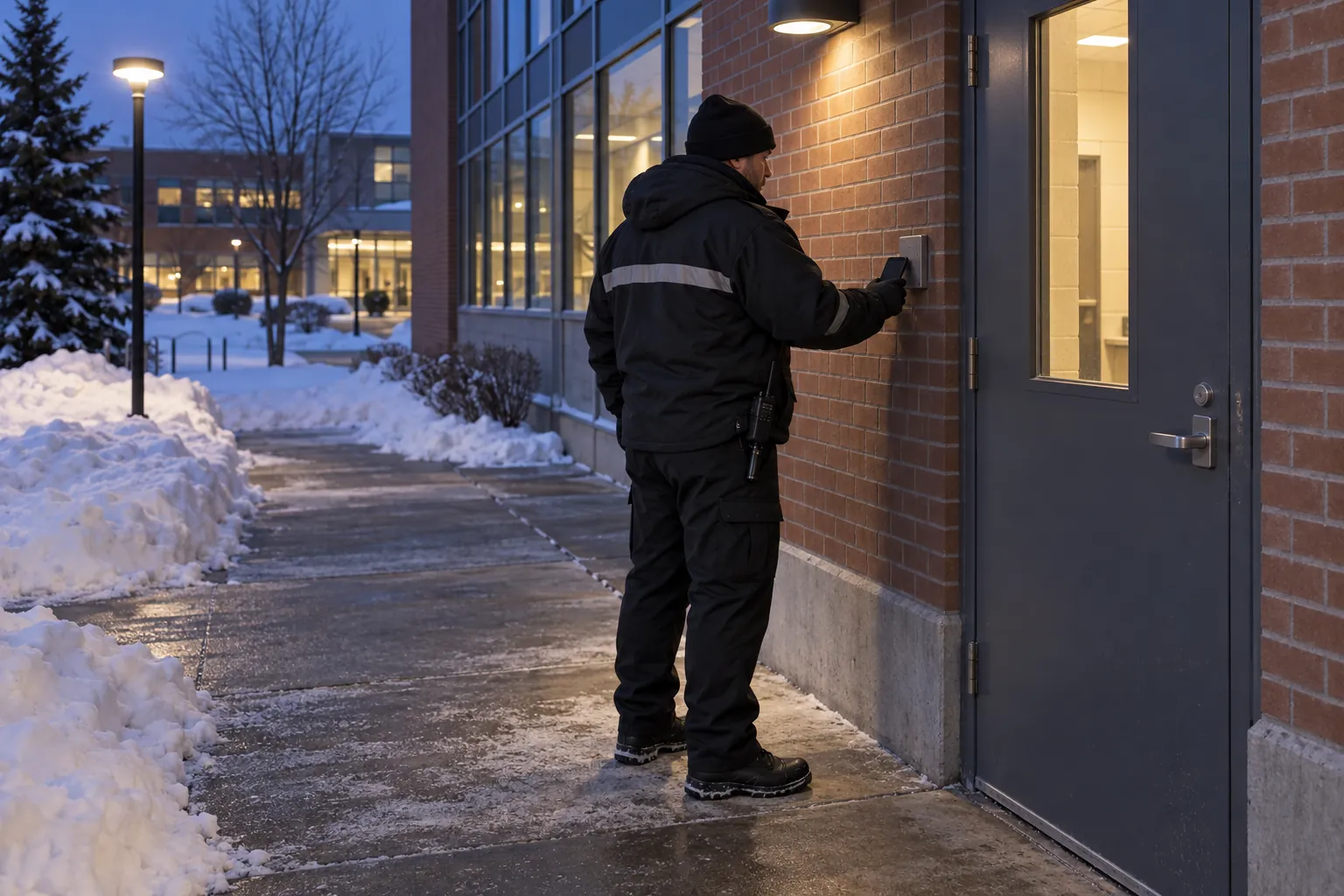
The options run from rugged handheld wands to phone apps, and the choice matters less than where the checkpoints go and what happens to the data. This guide explains the main types fairly, what a patrol record can and cannot show, the provincial rules that touch it, and the questions to ask before choosing one.
01
What a guard tour system is
A guard tour system, also called a guard tour patrol system, patrol verification system or watchman tour system, records that a security guard visited set points on a patrol route at set times. Each checkpoint carries something the guard has to interact with – a metal touch button, a proximity tag, an NFC tag, a QR code or a Bluetooth beacon – and each interaction is logged with the time and, usually, the guard's identity. The result is a patrol log showing which checkpoints were reached, in what order and when, and which were missed. Security companies use guard tour systems to monitor the rounds of their security personnel and to give clients accountability for the patrols they pay for.
The idea is old: night watchmen once turned a key at each station in a mechanical watchman's clock. The hardware has changed, but the question has not: did the patrol happen as the post orders say it should?
No Canadian statute requires a guard tour system as such. Security work is regulated province by province, and what the law regulates is mostly the guard and the agency rather than the patrol record. In Ontario, the security guard licence is issued under the Private Security and Investigative Services Act, 2005, and the province is plain about it: "You must have a valid licence to work as a security guard, private investigator or both in Ontario." British Columbia's Security Services Act treats a person who "provides or supervises a guard patrol or watch of property" as doing security work that needs a security worker licence, and requires security businesses to keep the books and records the regulations prescribe. In Quebec, the Bureau de la sécurité privée's page on the permis d'agent régulier sets out the agent's permit under the Loi sur la sécurité privée. Other provinces have their own schemes.
Patrol frequencies and routes are therefore set by the contract and the site's post orders, not by statute. A guard tour system is one of the commonest ways a security company shows a client that those patrols were walked.
02
The main types of guard tour system
Most guard patrol systems fall into a few families of technology, some standalone and some built into wider security software. Each has its place.
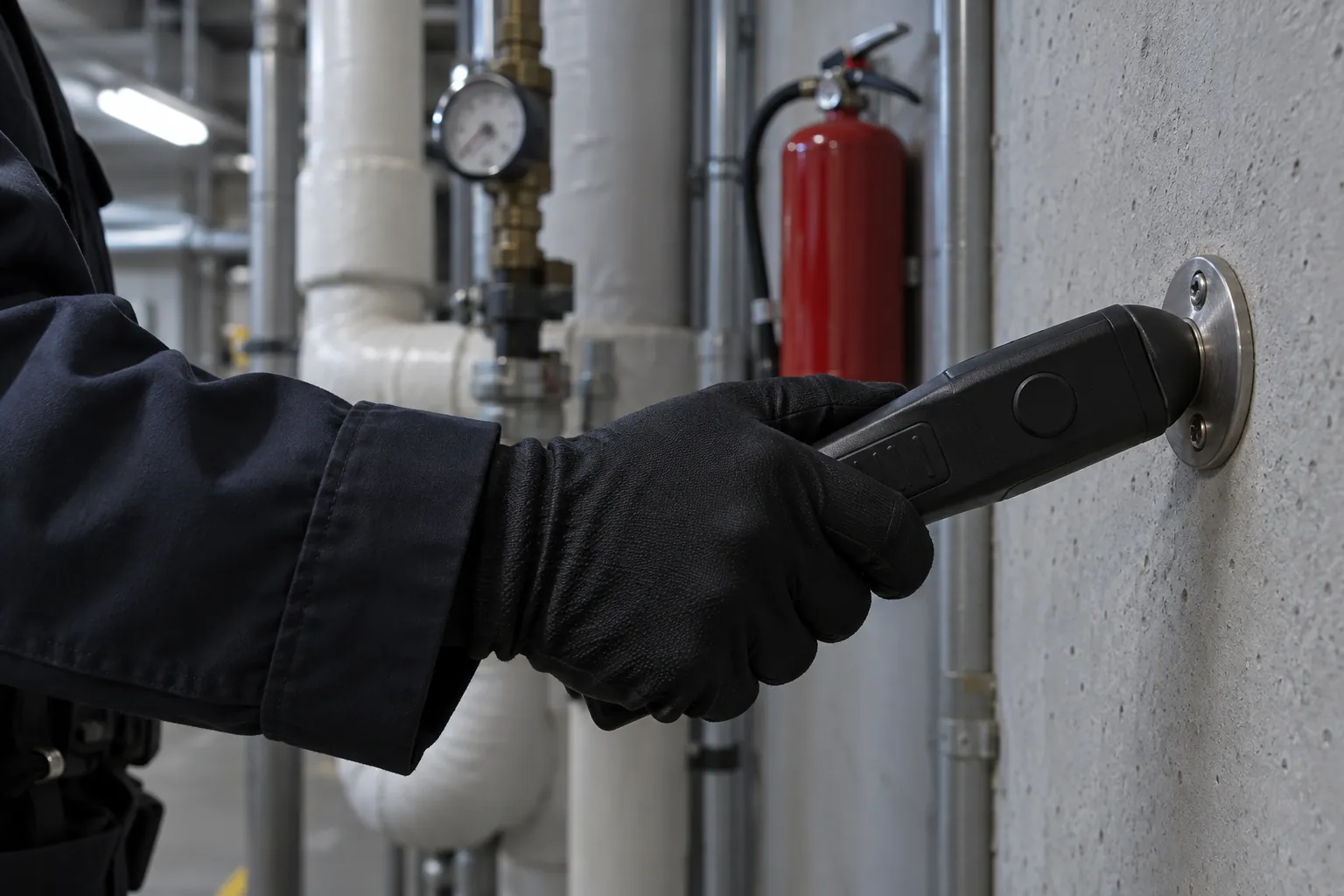
- Touch-button wands: the guard carries a rugged handheld reader, sometimes called a wand or baton, and touches it to a metal button fixed at each checkpoint. The reader stores the data, which is uploaded later through a dock or cable. Wands are simple, very durable and work anywhere, including four levels down in a parkade with no signal, but nobody sees the record until it is uploaded.
- RFID proximity readers: the same principle with contactless tags, so the guard holds the reader near the tag rather than touching it. Some models upload over a cellular network for near real-time patrol monitoring; others store the data until they are docked.
- Phone apps with NFC, QR codes or beacons: the guard taps an NFC tag, scans a QR code or passes a Bluetooth beacon with a phone running the guard tour app. The record is usually sent as it happens, and the app can add incident reports, photos, notes and checklists. Many also use GPS to follow the phone, particularly for mobile patrols that drive between sites.
- Fixed or online systems: checkpoints wired into the building's access control, where the guard presents a card at each station and the security desk or monitoring centre sees each one in real time. They suit large, permanent sites.
- Combined devices: some dedicated handsets add working alone features such as a panic button, a man-down or no-motion alert, and scheduled check-in calls. That makes them working alone devices as well as patrol recorders, which is a different job with its own legal requirements in several provinces (see below).
03
What a guard tour system should record and report
Whatever the hardware, the useful output is the same. A good system, and the reporting software behind it, lets you:
- Define tours: the checkpoints on each route, the order if it matters, and the times or frequency of each patrol, matching the post orders.
- Record each checkpoint with the time and the named guard, not just the device.
- Show missed checkpoints and late or incomplete tours plainly, rather than leaving them to be spotted in a long list of scans.
- Capture what was found: a note, a photo, a hazard or an incident at the checkpoint where it was seen.
- Raise alerts to a supervisor or monitoring centre when a patrol is overdue, if the site needs that level of patrol monitoring.
- Report to the client in a form the property manager will read: patrols completed against those scheduled, exceptions, and what was done about them.
- Keep the patrol data for as long as the contract requires, and no longer than needed where it identifies individuals.
A patrol record sits beside the guard's other records rather than replacing them. The guard's notebook still holds the observations in the guard's own words, and a daily activity report or incident report still tells the story of anything that happened. What the tour data adds is the part a notebook is weakest at: an independent time for each point, recorded as it happened. A property manager who asks whether anyone walked the P4 parkade level last night should get an answer in seconds, not after someone docks a wand.
04
Questions to ask before choosing one
Comparisons of patrol systems tend to list features, and a supplier demo shows the best of them. The questions that decide whether a system works on your sites are more practical:
- What does the environment demand? Cold, snow, road salt, dust, water, hazardous locations, and how much abuse the device and the checkpoints will take.
- Is there signal everywhere on the route? Underground parkades, mechanical rooms, service tunnels and large concrete or steel buildings often have none. The system has to work offline and upload later without losing records.
- Whose device? A company handset, a dedicated wand or the guard's own phone. Each has cost, battery, security and policy consequences.
- Real time or after the shift? Real time costs more to run but lets a supervisor act on a missed patrol while it still matters. For some sites a next-morning report is enough.
- How are checkpoints fixed? Tags and codes need to be tamper-resistant and placed where they can only be scanned by being there – a tag beside the door it proves was checked, not one on the guard booth wall.
- Do guards work alone? If so, the working alone rules in your province apply, and a patrol recorder is not a working alone system unless it meets them. Choose that on its own merits.
- What about location tracking? GPS on a guard's phone or vehicle is electronic monitoring of a worker, with privacy and, in Ontario, written policy consequences (see the next section).
- Does it work in both official languages where you need it? A site in Quebec, or a bilingual federal site, may need the app, the checkpoint wording and the client reports in French as well as English.
- How will the client see the results? A portal nobody logs into is not client reporting.
- What does it cost over the contract? Hardware, subscriptions, tags, replacements and the time spent compiling reports.
05
Working alone, privacy and making patrol records mean something
Two sets of provincial rules touch a guard tour system without being about it: working alone and electronic monitoring.
Working alone. Guards on nights are often the only person in the building. Several provinces have specific rules. British Columbia's Occupational Health and Safety Regulation, Part 4, sections 4.20.1 to 4.23, requires a written procedure for checking the well-being of a worker working alone or in isolation, including the intervals between checks and a check at the end of the shift, and says that "a person must be designated to establish contact with the worker at predetermined intervals and the results must be recorded by the person." Part 28 of Alberta's Occupational Health and Safety Code treats working alone as a hazard to be assessed and, at section 394, requires "an effective communication system" with "regular contact by the employer or designate at intervals appropriate to the nature of the hazard", or visits or call-ins where electronic communication is not practicable. CCOHS's OSH Answers on working alone covers the rest of the country in plain language and advises employers to "check the regulations in your area". A checkpoint scan is not a well-being check, though a missed scan may be the first sign of trouble if somebody is watching for it.
Electronic monitoring. In Ontario, the Employment Standards Act, 2000 requires an employer with 25 or more employees on January 1 of a year to have a written policy on electronic monitoring of employees, saying whether and how it monitors them electronically and for what purposes the information may be used, and to give employees a copy. The province's guide uses GPS tracking of a delivery vehicle as an example of electronic monitoring, and notes that the rules "do not establish a right for employees not to be electronically monitored". Privacy law depends on where you are: the federal PIPEDA covers employee information only in federally regulated businesses, while Alberta, British Columbia and Quebec have their own private-sector privacy laws, as the Office of the Privacy Commissioner's Summary of privacy laws in Canada explains. The Commissioner's guidance on Privacy in the Workplace says employers must make employees aware of the purpose, nature, extent and reasons for monitoring, and asks whether less invasive alternatives exist and whether "the loss of privacy is proportional to the benefits". A checkpoint scan says where a guard was at one moment; continuous GPS says where they were all shift. Choose the lighter one if it answers the question.
Making the data mean something. A guard tour system proves that someone was at a checkpoint at a time. It does not prove that they looked properly, tried the door or noticed the smell of smoke. Ontario's training syllabus for security guards says "different types of patrolling" should be discussed as part of basic security procedures; the system is only as good as the patrol design and the supervision around it.
- Put checkpoints where the risk is: exit doors, the loading dock, the roof hatch, mechanical and electrical rooms, the lowest parkade level – the places and assets that would otherwise be skipped.
- Vary the timing within the post orders, so patrols are not predictable to anyone watching.
- Attach a check to each point, such as door secure, lights working, no water on the floor, walkway clear of ice, so the scan records a task and not just a presence.
- Read the data: the security supervisor should review missed and late checkpoints every day and ask why.
- Act on what is found: hazards found on patrol need to reach the building operator or property manager who can fix them.
- Keep supervising: unannounced site visits remain the best check that patrols are done well, not just done.
Patrol data also answers the fire watch question: when a fire alarm or sprinkler system is out of service and a fire watch is in place, a record of each round is exactly what will be asked for.
06
Where patrol records fail, and where SiteClara fits
Without a system, patrols are a line in the notebook or the daily activity report: "patrol completed, all secure". With a wand, the record exists but may not be seen until the end of the week. Either way, a hazard found at 2 a.m. often stays in the log instead of reaching the building operator.
SiteClara is a phone-based way to record that a checkpoint was reached and when. A printed QR poster, with an optional NFC tag behind it, goes at each checkpoint the post orders name: an exit door, a loading dock, a parkade level, a roof hatch, a mechanical room. The guard scans the code or taps the tag on their own phone, with no app to install, sees the checks due at that point and marks them done, or says what stopped them, such as a locked room. The time and the named guard are recorded as it happens, with a photo when the check asks for one. A hazard or fault found on the round is reported there and goes onto the team's list of jobs until someone closes it.
The security supervisor sees what was due, done and missed, and records the reason a check was missed. A job that needs the building's property manager can be escalated to them to answer. At the end of the day the supervisor reviews the totals and photos, adds a note and approves the daily report, which goes to nominated management or client contacts at 8 a.m. the next morning, showing how the scheduled checks went, what was reported and what is still open.
07
Questions people ask
What is a guard monitoring system?
The phrase covers two different things: a guard tour system, which records that a guard reached each checkpoint, and a system that checks on a guard's safety or location, such as scheduled check-ins, duress devices or GPS. For the second, CCOHS's OSH Answers on working alone tells employers to "define under what circumstances the lone worker will check in and how often", and lists "automated warning/duress devices, global positioning systems (GPSs), two-way radio, site visits" among the alternatives where cell service is unreliable. Either kind is electronic monitoring of a worker: in Ontario, the province's guide to the written policy on electronic monitoring of employees says the term "includes all forms of employee and assignment employee monitoring that is done electronically", and an employer with 25 or more employees must describe how, in what circumstances and for what purposes it monitors them.
What system is used by property managers to monitor patrol activity of security guards?
Usually the security company's own guard tour system, with the property manager receiving its reports or a client portal rather than running the system. The guards remain the security company's employees, so the monitoring has to meet the employer's privacy duties. The Office of the Privacy Commissioner's guidance on Privacy in the Workplace says "employers must make employees aware of the purpose, nature, extent and reasons for monitoring", and that monitoring should limit collection to what is necessary, "ensuring that the least privacy invasive measure in the circumstances is used." A checkpoint record answers the property manager's question without following a guard all shift.
08
Further reading, and a list to take away
Read your own province's licensing rules and working alone requirements, Ontario's guide to electronic monitoring policies if you employ people there, and the Privacy Commissioner's workplace guidance, all linked above.
Before choosing or changing a guard tour system, check that:
- the patrol routes, checkpoints and times are written in the post orders;
- checkpoints are at the places that matter, and can only be scanned by being there;
- tags and codes will survive the site, including winter on exterior doors;
- the system works where there is no signal, such as the lower parkade levels;
- missed checkpoints are obvious to the supervisor the same day;
- hazards found on patrol reach someone who will fix them;
- the provincial working alone requirements are met separately, if guards work alone;
- any location tracking is lawful, proportionate, explained to guards and, in Ontario, covered by your written electronic monitoring policy;
- the system and reports work in French where the site needs them;
- the client gets a report they will actually read.
Sources
Every document this guide quotes or links to, in the order it first cites them.
- Security guard licence ontario.ca
- Security Services Act bclaws.gov.bc.ca
- Bureau de la sécurité privée's page on the permis d'agent régulier bspquebec.ca
- Occupational Health and Safety Regulation, Part 4 worksafebc.com
- Part 28 of Alberta's Occupational Health and Safety Code search-ohs-laws.alberta.ca
- OSH Answers on working alone ccohs.ca
- Written policy on electronic monitoring of employees ontario.ca
- Summary of privacy laws in Canada priv.gc.ca
- Privacy in the Workplace priv.gc.ca
- Training syllabus for security guards ontario.ca
Related guides
 Security patrolsSecurity post orders: what they should say, and how to keep them workingSecurity post orders in Canada: what they are, what to put in them, how Ontario's PSISA and fire and safety law shape them, and how to check guards follow them.
 Security patrolsSecurity guard duties and responsibilities: what the role involves in Canada, and how it is checkedSecurity guard duties in Canada: provincial licences, patrols, access control, incidents and the notebook, the limits of the role, and how the work is checked.
 Security patrolsSecurity guard notes: how to keep a notebook that stands upSecurity guard notes in Canada: what goes in the notebook, the rules for writing it, what provincial security law and the Canada Evidence Act mean for it.
 Security patrolsSecurity report writing: what a guard's report needs, and how to make it stand upSecurity report writing for Canadian guards: the reports a shift produces, what an incident report must contain, and what Ontario, BC and Alberta law expects.